
HugAgentOS: The Enterprise AgentOS for Ontology-Grounded Trustworthy Reasoning
The open-source, self-hosted foundation for enterprise AI agents
Give models the context and tools to retrieve knowledge, work with files, run code, and carry real tasks through to completion.
Website · Try HugAgentOS online





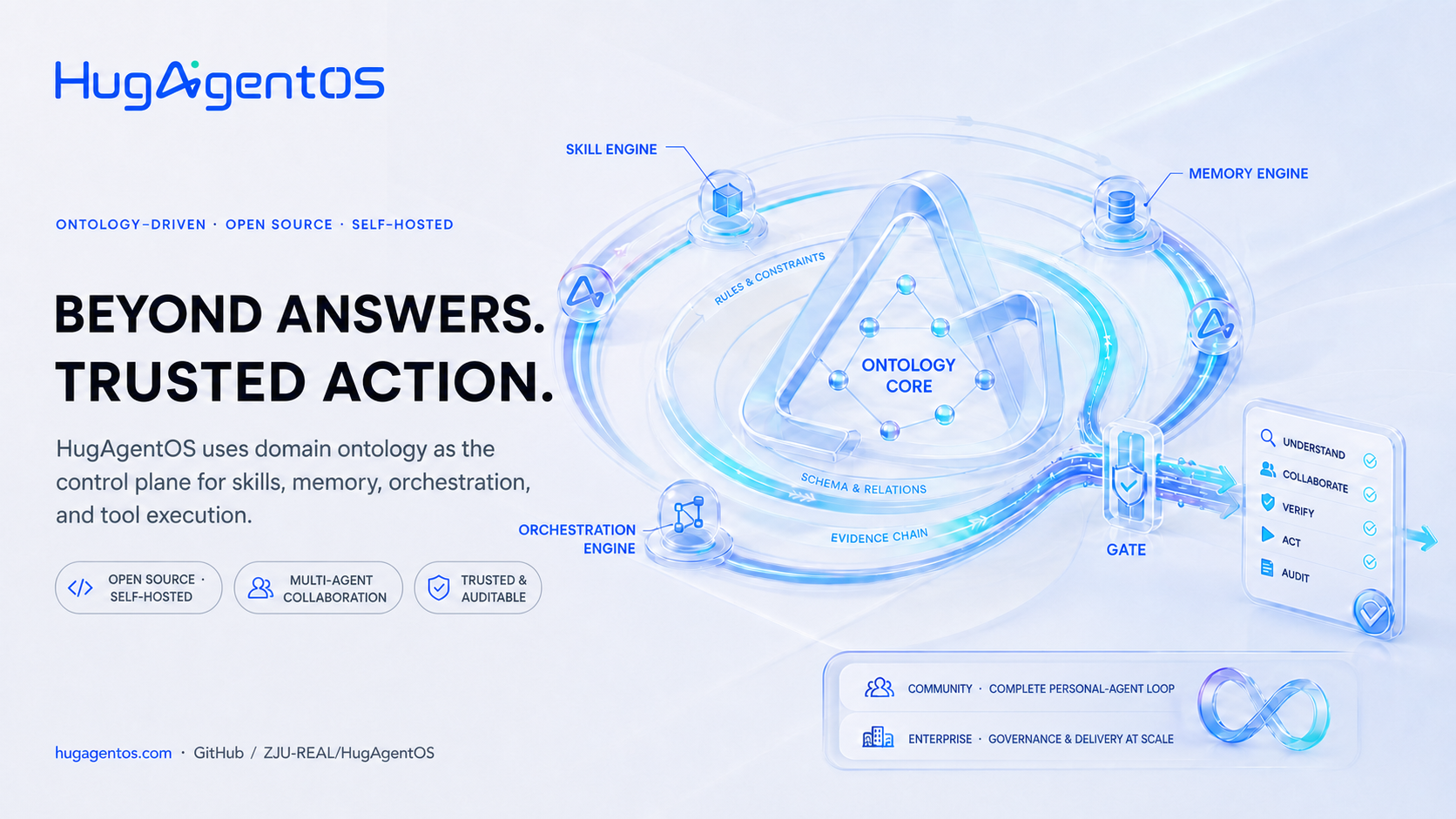
HugAgentOS is an enterprise-grade AgentOS that treats domain ontology as a control plane for agent reasoning, decisions, and actions. Its open-source Community Edition combines agentic chat, private knowledge-base RAG, sub-agents, MCP tools, Agent Skills, sandboxed execution, long-term memory, automation, and a data canvas in one self-hosted workspace.
[!NOTE] This Community repository is generated from the upstream main repository for each release and is marked
generated. Report changes tosrc/**through an Issue or Discussion. Pull requests for documentation and examples are welcome. See CONTRIBUTING.md for details.
Demo
A 60-second tour: the same task run twice, with audited self-evolution in between — memory, skills and orchestration each settled, and each taking effect only after you approve it.
https://github.com/user-attachments/assets/635c5b35-10c0-47b9-a6f1-c73df9510e90
Quick start
Use the one-command install to try it out, or Docker Compose for a long-running
service with isolation. Either way you need an OpenAI-compatible or local model.
The initial account and password are both admin and must be changed on first
sign-in; the Community Edition has no self-registration.
Option 1: one-command install (Linux / macOS / WSL2)
Requires Python 3.11+, Node.js 20+, Git and curl. No Docker, PostgreSQL or
Redis needed.
curl -fsSL https://raw.githubusercontent.com/ZJU-REAL/HugAgentOS/main/install.sh | bash
The installer fetches the source into ~/.hugagent/source, creates an isolated
Python environment, builds the web application and walks you through first-run
setup; it then opens http://127.0.0.1:3001. Start it
again later with ~/.hugagent/venv/bin/hugagent.
[!WARNING] The installation listens on
127.0.0.1only. If you genuinely need remote access, usehugagent serve --host 0.0.0.0 --port 3001 --no-browser, and set a strong password, a firewall and HTTPS first. Do not expose it on an untrusted network.
This path uses SQLite, in-process state and a local subprocess sandbox, which suits personal use and developmen