



BrowserClawThe browser for AI agents Claude Code, Codex, Cursor, or any MCP client drives it using the accounts you're already signed into — while you watch live and replay every step.
|
BrowserOSThe AI browser for humans An open-source Chromium fork with a built-in AI agent — the privacy-first alternative to ChatGPT Atlas, Perplexity Comet, and Dia.
|




Two browsers, one codebase — we're building both. Free and open source under AGPL-3.0, and everything runs on your machine.
BrowserClaw
Your AI is smart, but it can't press the buttons. Ask it to book a flight, download an invoice, or reply to an email — it stops at the login screen. BrowserClaw fixes that: it's a real browser you install, sign into, and use like any other, and your AI drives it with the logins you already have — not a headless spec, not a cloud rental.
Get started
- Install BrowserClaw and sign in to the sites you use every day — it works like any browser, and every account you sign into becomes something your AI can use
- Connect your AI in one click — Claude Code, Codex, Cursor, VS Code, Zed, Antigravity; anything else that speaks MCP connects with a URL
- Give it a real task — "Book me the cheapest morning flight from SFO to NYC next Friday" — then watch it live from your new tab and replay the whole run like a video
Features
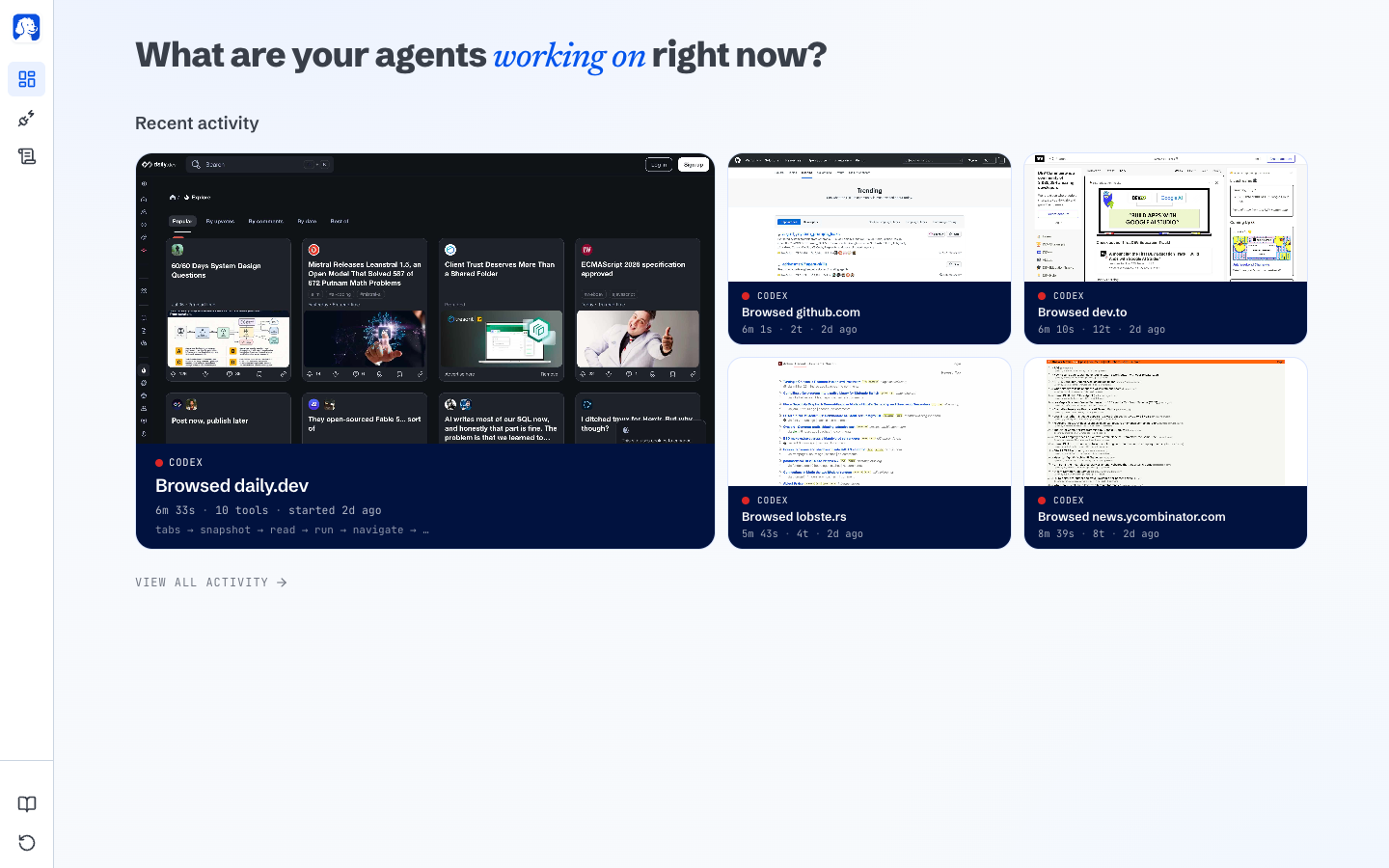
Live dashboardYour new tab shows every agent working right now — which site it's on, what it's doing, how far along. Docs |
|
One-click MCP connec |