Telegram Drive
Telegram Drive is an open-source, cross-platform desktop application that turns your Telegram account into an unlimited, secure cloud storage drive. Built with Tauri, Rust, and React.





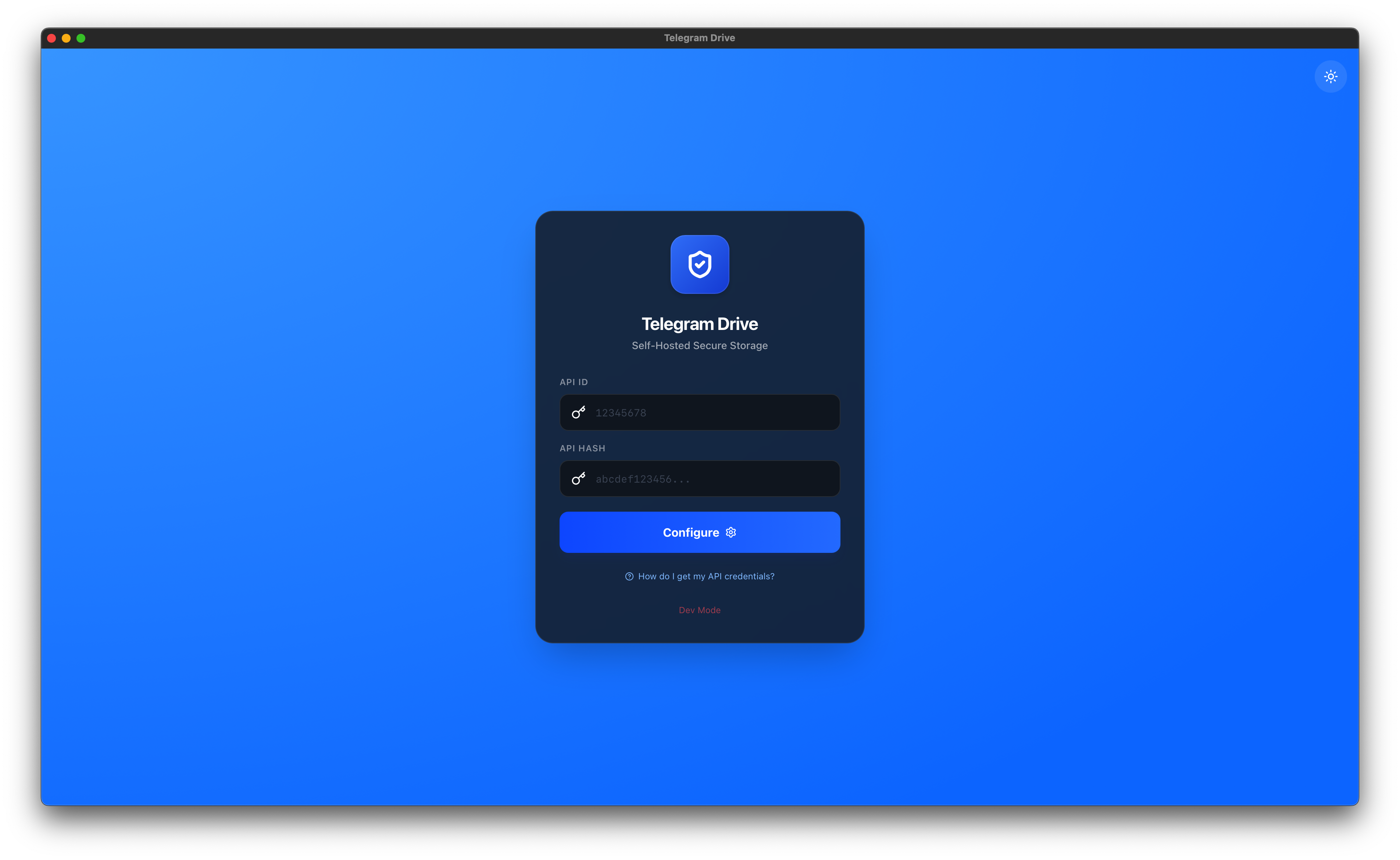
What is Telegram Drive?
Telegram Drive leverages the Telegram API to allow you to upload, organize, and manage files directly on Telegram's servers. It treats your "Saved Messages" and created Channels as folders, giving you a familiar file explorer interface for your Telegram cloud.
Key Features
- Unlimited Cloud Storage: Utilizing Telegram's generous cloud infrastructure.
- High Performance Grid: Virtual scrolling handles folders with thousands of files instantly.
- Auto-Updates: Seamless updates for Windows, macOS, and Linux.
- Media Streaming: Stream video and audio files directly without downloading.
- PDF Viewer: Built-in PDF support with infinite scrolling for seamless document reading.
- Drag & Drop: Intuitive drag-and-drop upload and file management.
- Thumbnail Previews: Inline thumbnails for images and media files.
- Folder Management: Create "Folders" (private Telegram Channels) to organize content.
- Shareable Links: Generate direct download links with optional password protection and expiration, and revoke access anytime from the dashboard. Also supports copying native Telegram message links for files in public channels.
- REST API for AI Integration: Secure local API (off by default) with configurable port and API key auth. OpenAPI spec for seamless LLM and tool integration.
- Proxy Support: Native integration for SOCKS5 and MTProto proxies to bypass regional restrictions and secure your traffic.
- VPN Optimizer: Aggressive network tuning including bandwidth throttling, adjustable transfer chunk sizing, and adaptive keep-alives to ensure maximum stability on high-latency connections.
- Privacy Focused: API keys and data stay local. No third-party servers.
- Cross-Platform: Native apps for macOS (Intel/ARM), Windows, Linux and Android.
Android (Pre‑built, Unsigned APK)
A pre-built unsigned APK is available for Android sideloading via the v2.1.5-android release.
[!WARNING] This APK is not signed and is not available on the Google Play Store. You must enable "Install from Unknown Sources" on your device to install it. This build contains Google AdMob banner ads to support development.
How to Sideload
- Download
Telegram-Drive-v2.1.5-beta.apkfrom the v2.1.5-android release. - On your Android device, go to Settings → Apps → Special App Access → Install unknown apps and allow your browser or file manager.
- Open the downloaded APK and tap Install.
- Enter your Telegram API credentials on first launch (same as the desktop app).
[!NOTE]
- Compatibility: Requires Android 7.0 (API level 24) or higher.
- Android 15+ Installation: If you encounter