OfficeCLI
OfficeCLI is the world's first and the best Office suite designed for AI agents.
Give any AI agent full control over Word, Excel, and PowerPoint — in one line of code.
Open-source. Single binary. No Office installation. No dependencies. Works everywhere.
OfficeCLI's built-in HTML rendering engine reproduces documents with high fidelity — and that's what gives AI eyes. It renders .docx / .xlsx / .pptx to HTML or PNG, closing the render → look → fix loop.


🌐 Website: officecli.ai | 💬 Community: Discord

PPT creation process using OfficeCLI on AionUi
PowerPoint Presentations
 |
 |
 |
 |
 |
 |
—
Word Documents
 |
 |
 |
—
Excel Spreadsheets
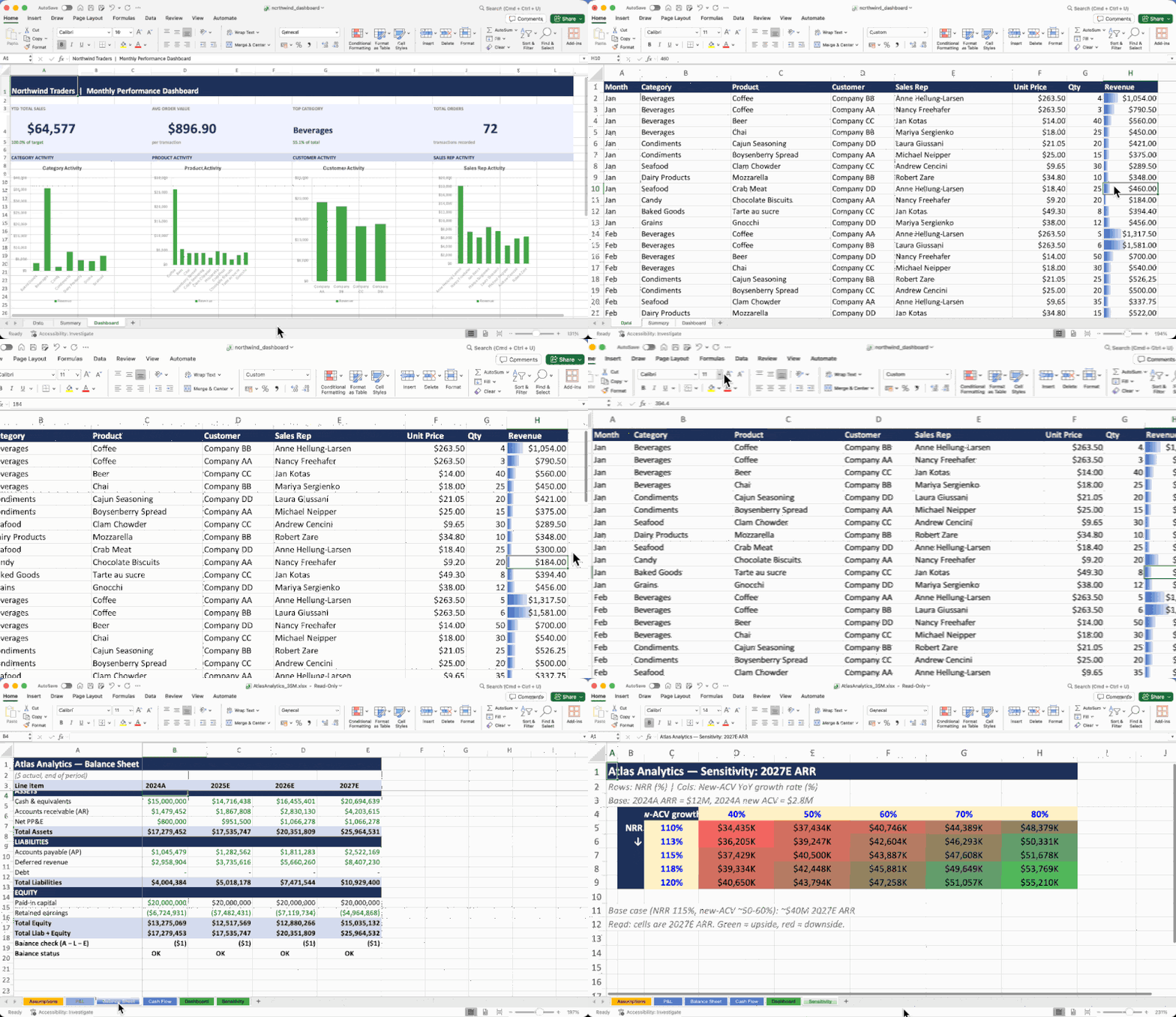 |
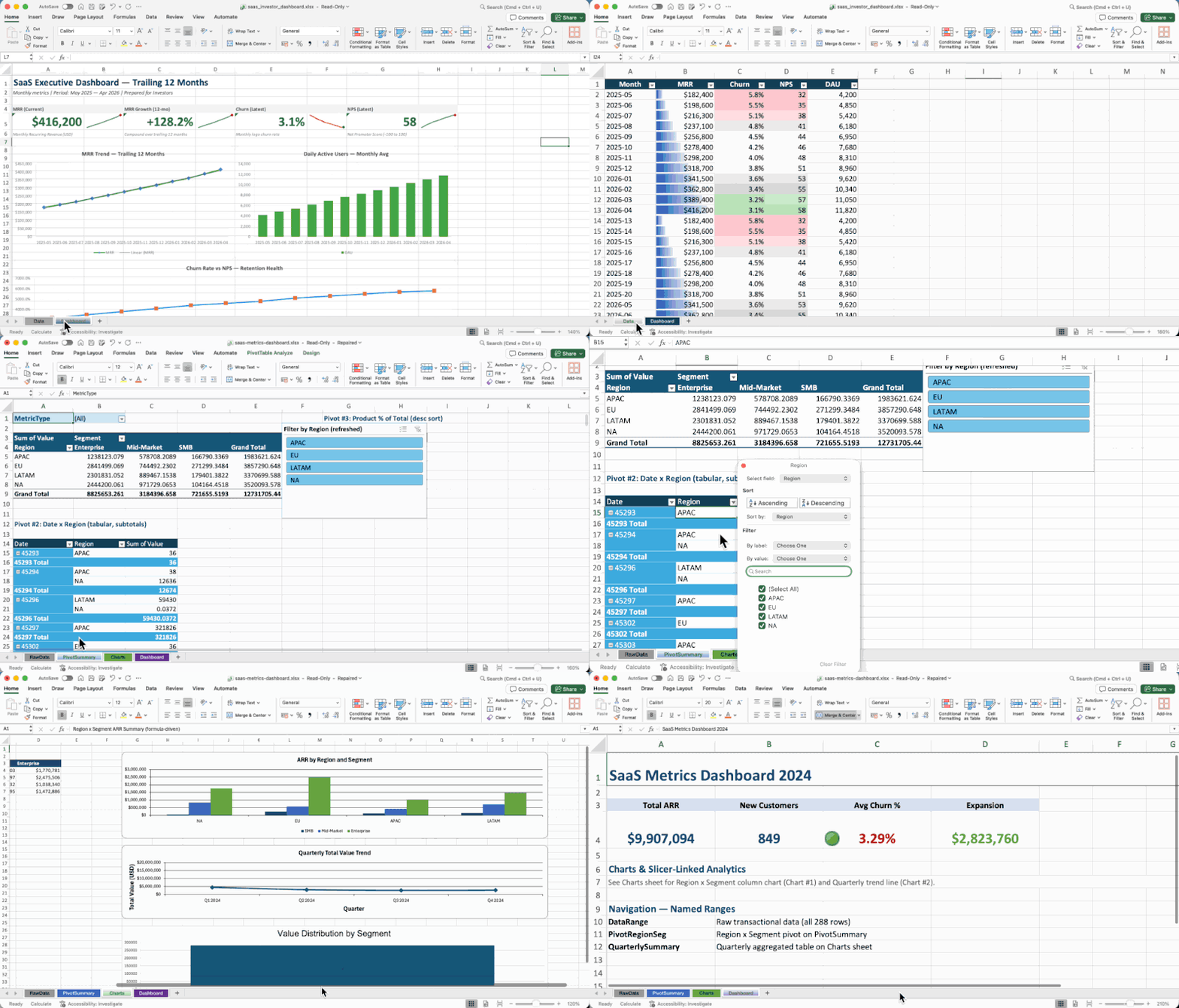 |
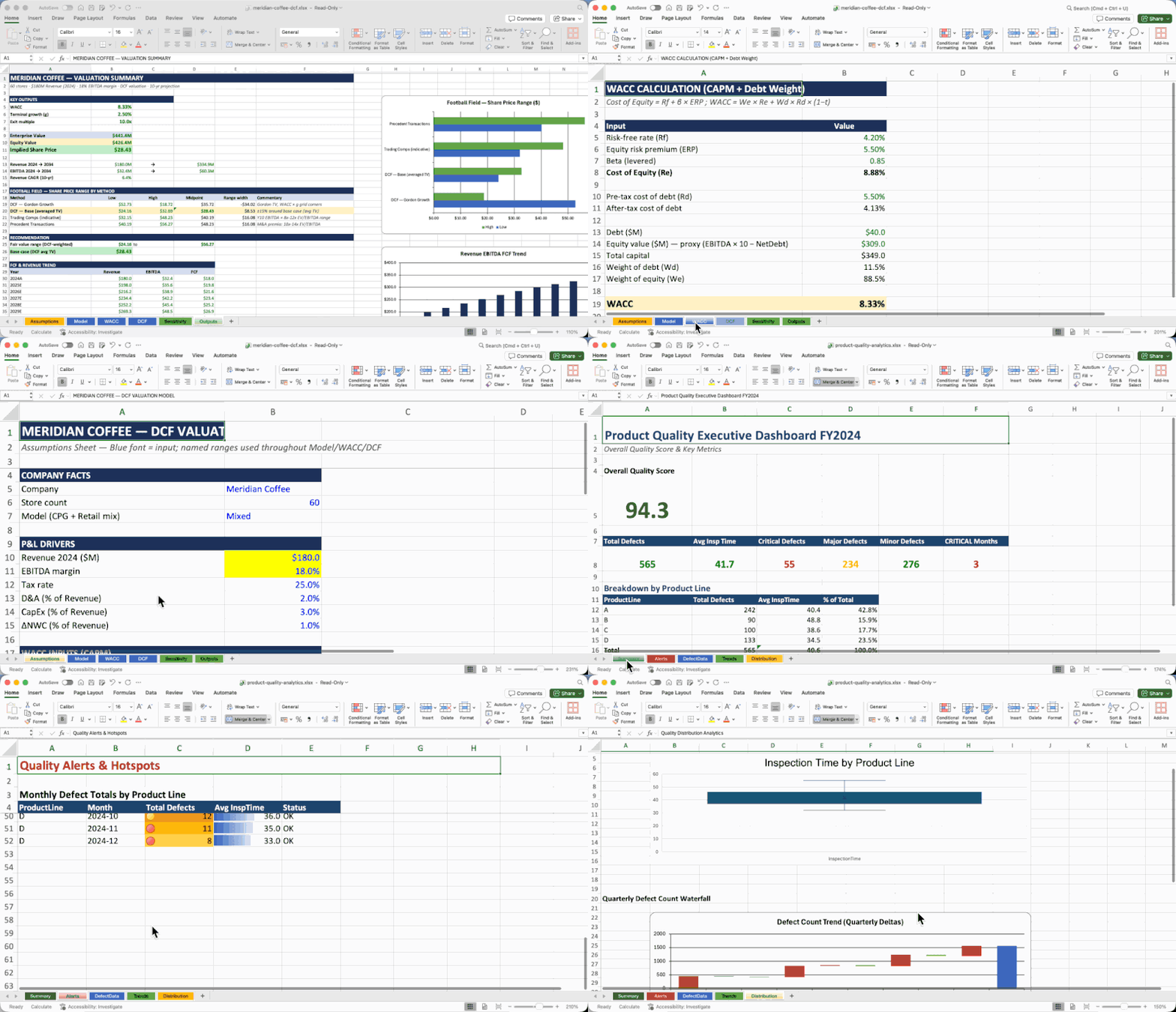 |
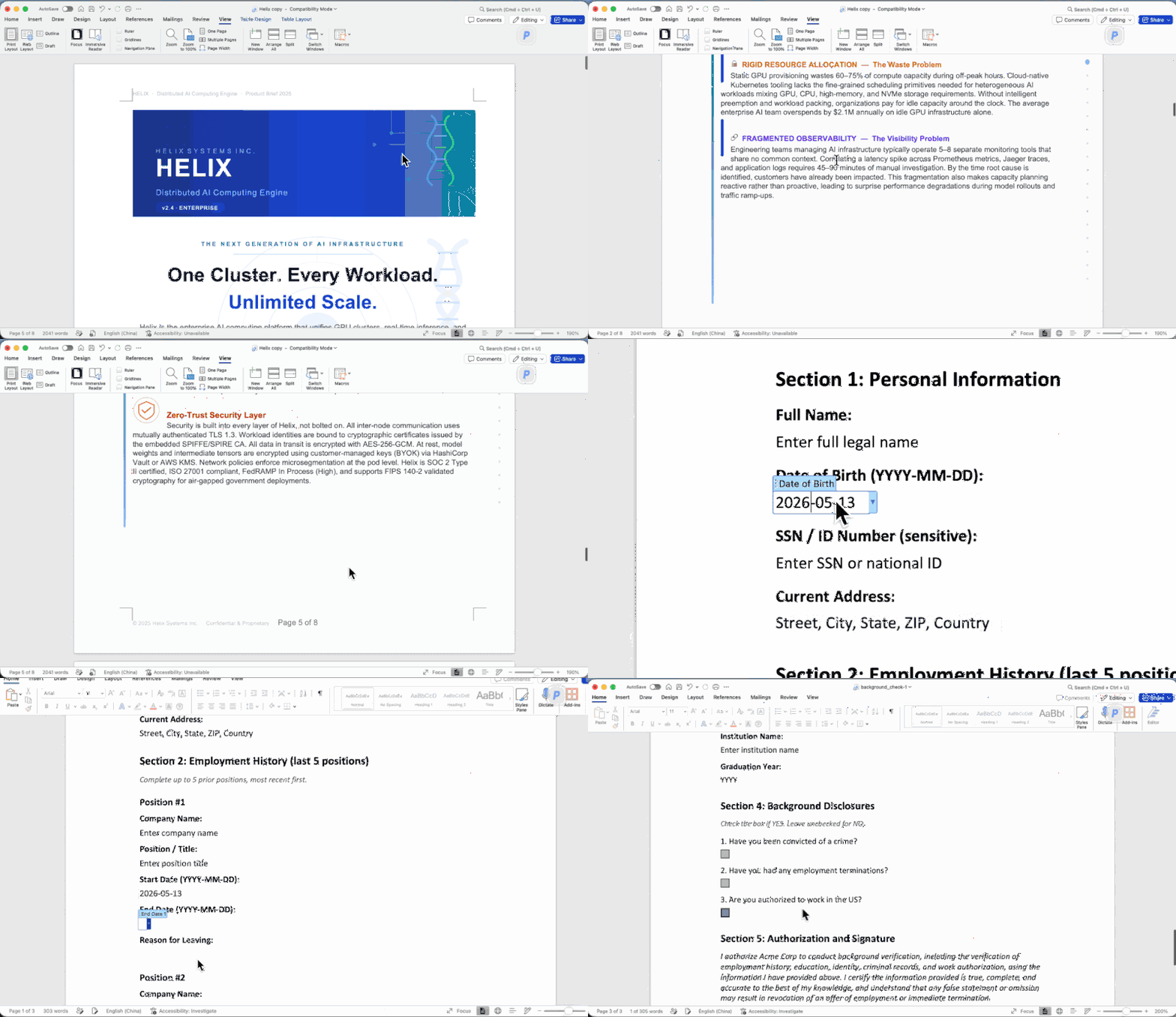
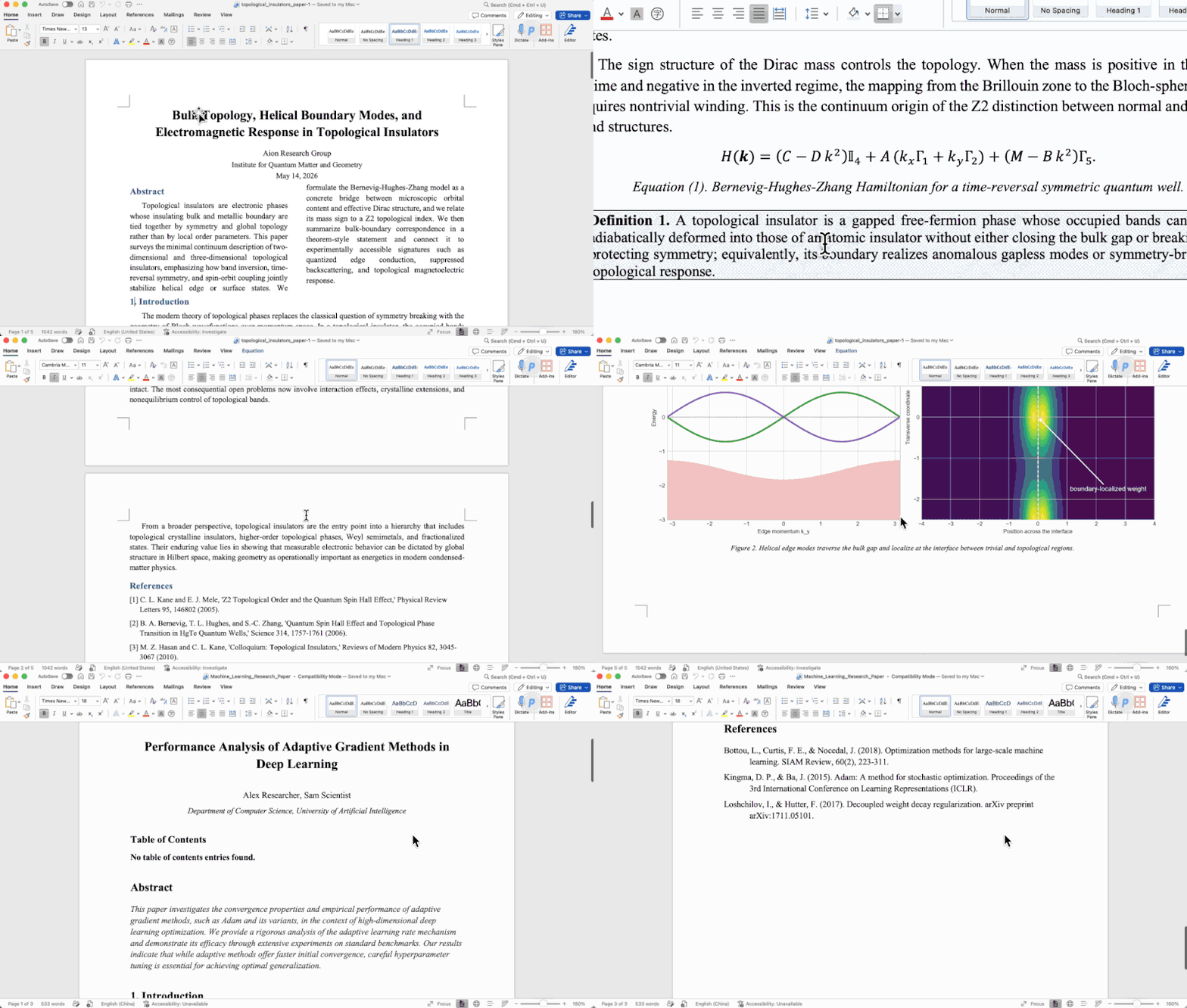
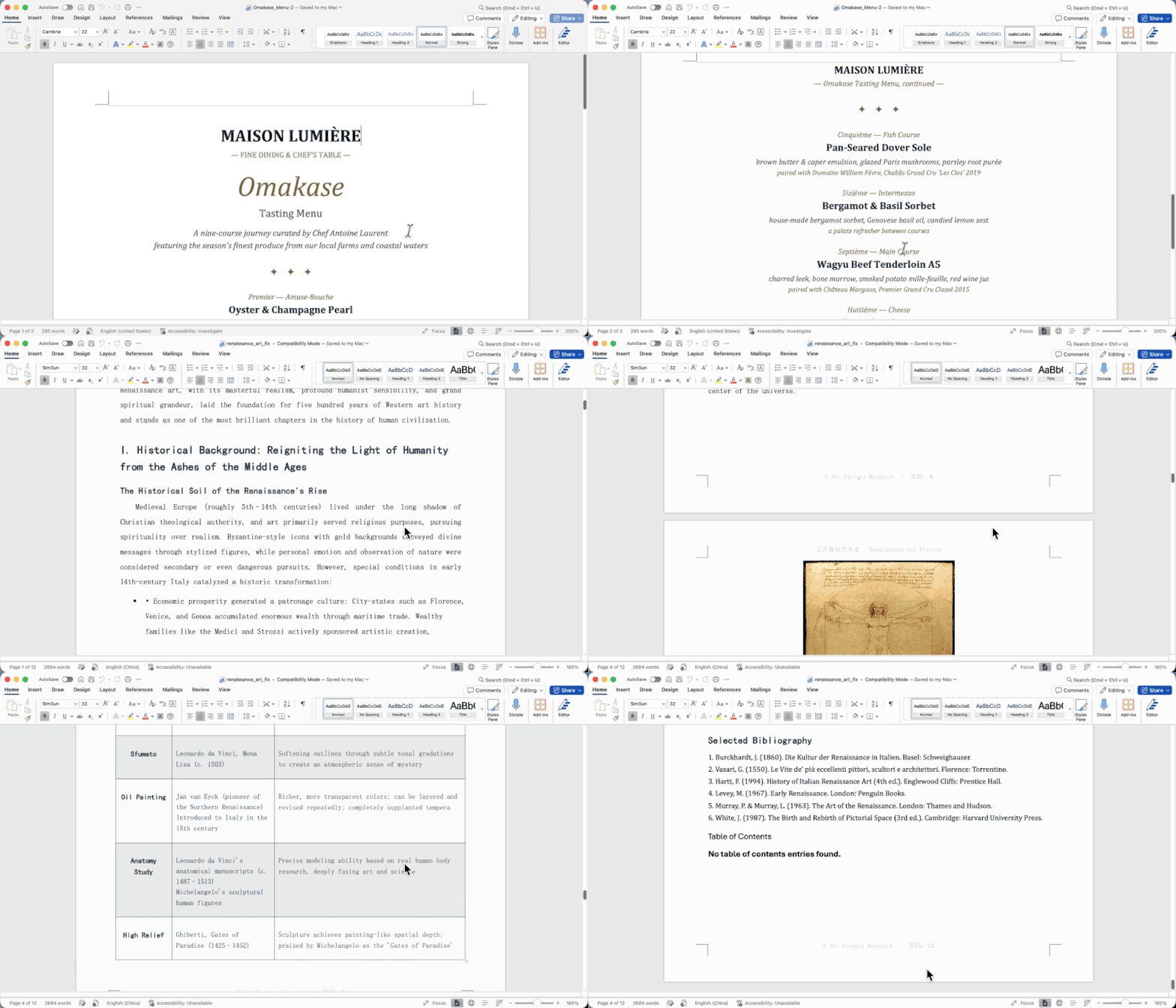
All documents above were created entirely by AI agents using OfficeCLI — no templates, no manual editing.
For AI Agents — Get Started in One Line
Paste this into your AI agent's chat — it will read the skill file and install everything automatically:
curl -fsSL https://officecli.ai/SKILL.md
That's it. The skill file teaches the agent how to install the binary and use all commands.
For Humans
Option A — GUI: Install AionUi — a desktop app that lets you create and edit Office documents through natural language, powered by OfficeCLI under the hood. Just describe what you want, and AionUi handles the rest.
Option B — CLI: Download the binary for your platform from GitHub Releases, then run:
officecli install
This copies the binary to your PATH and installs the officecli skill into every AI coding agent it detects — Claude Code, Cursor, Windsurf, GitHub Copilot, and more. Your agent can immediately create, read, and edit Office documents on your behalf, no extra configuration needed.