README.md1 min read

Stealth Browser MCP
Undetectable browser automation for MCP-compatible AI agents.
Bypass Cloudflare, antibot systems, and social media blocks with real browser instances powered by nodriver + Chrome DevTools Protocol + FastMCP.



Table of Contents
- Demo
- Features
- Quickstart
- Modular Architecture
- Toolbox
- Stealth vs Playwright MCP
- Troubleshooting
- Examples
- Showcase
- Roadmap
- Contributing
- Support
- License
Demo
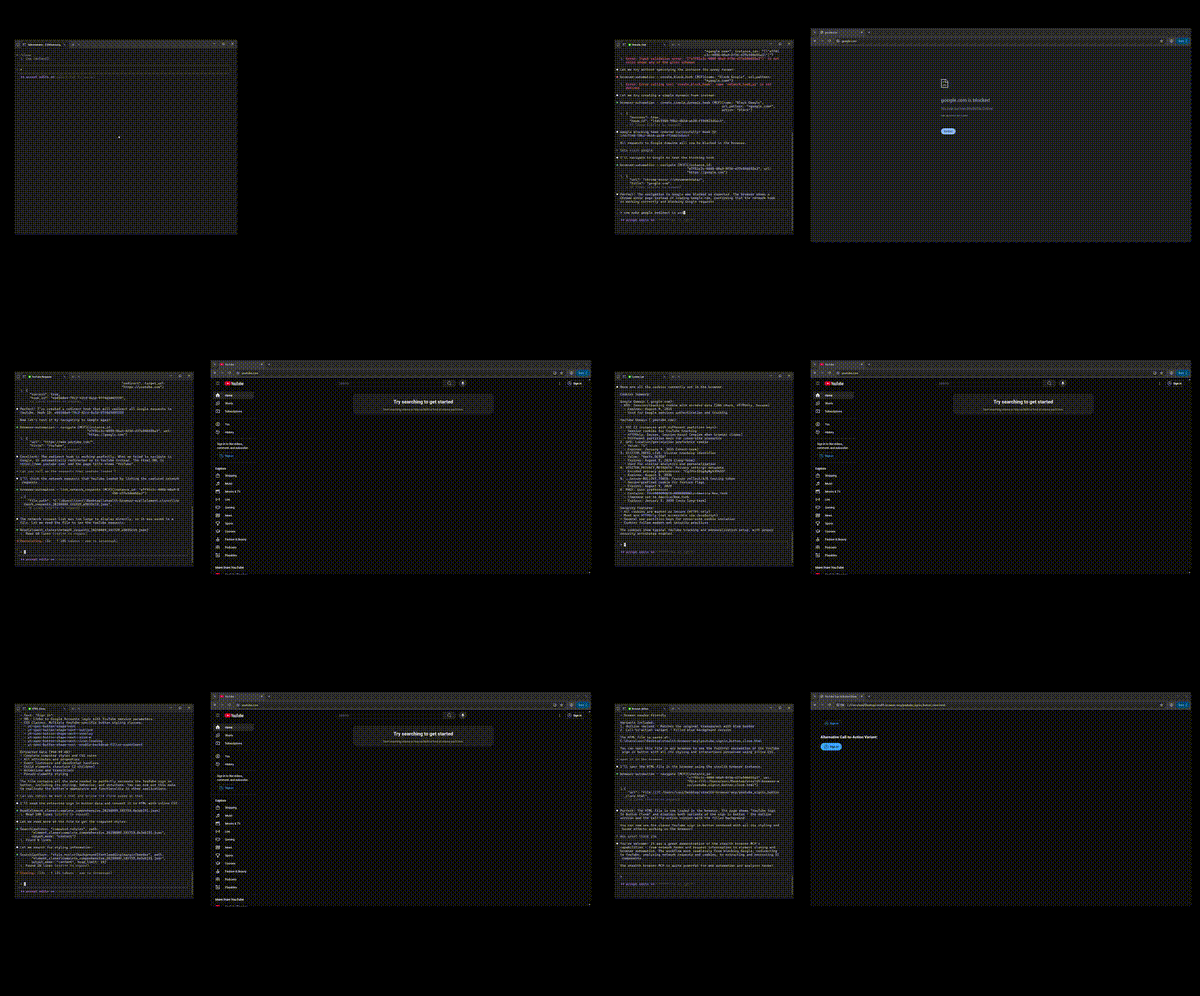

Stealth Browser MCP bypassing Cloudflare, cloning UI elements, and intercepting network traffic — all through AI chat commands.
Features
- Antibot bypass — Works on Cloudflare, Queue-It, and other protection systems that block traditional automation
- 97 tools across 11 sections — From basic navigation to advanced CDP function execution
- Modular loading — Run the full 97-tool arsenal or a minimal 20-tool core; disable what you don't need
- Pixel-accurate element cloning — Extract complete elements with all CSS, DOM structure, events, and assets via CDP
- Network interception — Inspect every request, response, header, and payload through your AI agent
- Dynamic hook system — AI-generated Python functions that intercept and modify network traffic in real-time
- Instant text input — Paste large content via CDP or type with human-like keystrokes and newline support
- Cross-platform — Windows, macOS, Linux, Docker, and CI/CD pipelines with automatic environment detection
- Browser support — Chrome, Chromium, and Microsoft Edge (automatic detection)
- Clean MCP integration — No custom brokers or wrappers; works with Claude Code, Claude Desktop, Cursor, and any MCP client
Quickstart
1. Clone and install
git clone https://github.com/vibheksoni/stealth-browser-mcp.git
cd stealth-browser-mcp
python -m venv venv

# Activate virtual environment
# Windows:
venv\Scripts\activate
# Mac/Linux:
source venv/bin/activate

pip install -r requirements.txt
2. Add to your MCP client
Claude Code CLI (recommended):
Windows:
claude mcp add-json stealth-browser-mcp "{\"type\":\"stdio\",\"command\":\"C:\\path\\to\\stealth-browser-mcp\\venv\\Scripts\\python.exe\",\"args\":[\"C:\\path\\to\\stealth-browser-mcp\\src\\server.py\"]}"
Mac/Linux:
claude mcp add-json stealth-browser-mcp '{
  "type": "stdio",
  "command": "/path/to/stealth-browser-mcp/venv/bin/python",
  "args": ["/path/to/stealth-browser-mcp/src/server.py"]
}'
Replace
/path/to/stealth-browser-mcp/with your actual project path.