

Your company's data, connected into one ontology.
Helix Cloud · Docs · Run it on your computer · Apache 2.0
Connect your databases, tools and documents, let an agent draft an ontology over them, and load it into HelixDB as one connected graph. Explore it, follow every value back to the row or quote it came from, and ask questions with cited answers. Use it hosted at foundry.helix-db.com, or run it on your own computer with one command.
Get started with your coding agent
On Helix Cloud. Open foundry.helix-db.com and click Set up with your agent. It copies a prompt for Claude Code, Codex, Cursor or any agent that can run commands. The agent adds the Helix MCP, signs you up through it if you don't have an account yet, and builds your first ontology with you. You never need the Helix dashboard: the agent sends you a link only to sign in or to enter a password or key.
On your computer. With Docker running, paste this into your agent:
Set up Helix Foundry on this computer.

Clone https://github.com/helixdb/helix-foundry.git (or use the copy I
already have), then follow its README.md and local/README.md to start it
with Docker Compose and check that it is up. Ask me before deleting data,
removing Docker volumes or stopping anything that is already running.
When it is ready, give me the URL and tell me what to do next.
Approve its git and docker commands one at a time rather than all docker commands up front. You enter API keys and database passwords in Foundry, in your browser: your agent never needs them.
Run it on your computer
You need Docker with Compose v2, ports 3000 and 8333 free, and room for a few GB of images on the first start.
git clone https://github.com/helixdb/helix-foundry.git
cd helix-foundry
docker compose up -d --wait
Open http://localhost:3000. Foundry creates My workspace for you. No sign-in is required.
AI: Foundry uses the ANTHROPIC_API_KEY or OPENAI_API_KEY of the shell that ran docker compose up, else a local model in Ollama or LM Studio (docker compose --profile ollama up -d runs Ollama beside Foundry). Open Settings › AI models to see the selected provider or choose another. Until there is one, drafting, uploading documents and asking wait for it.
See the local setup guide for what runs, where data lives, AI providers, ports and connecting to databases on your computer.
What you do next
- No data to hand? Click Use the sample: Acme Corp, a made-up software company, as a PostgreSQL database (customers, subscriptions, invoices, support tickets, usage) and documents (contracts, call notes, an incident report). It walks you through the data, the goal, a ready-made ontology, its load and a question, in about a minute, once Foundry has an AI provider.
- Otherwise, connect your data or upload documents, say what you want to know, and let the ontology agent draft the ontology.
- Review the draft, make it current and load it into HelixDB.
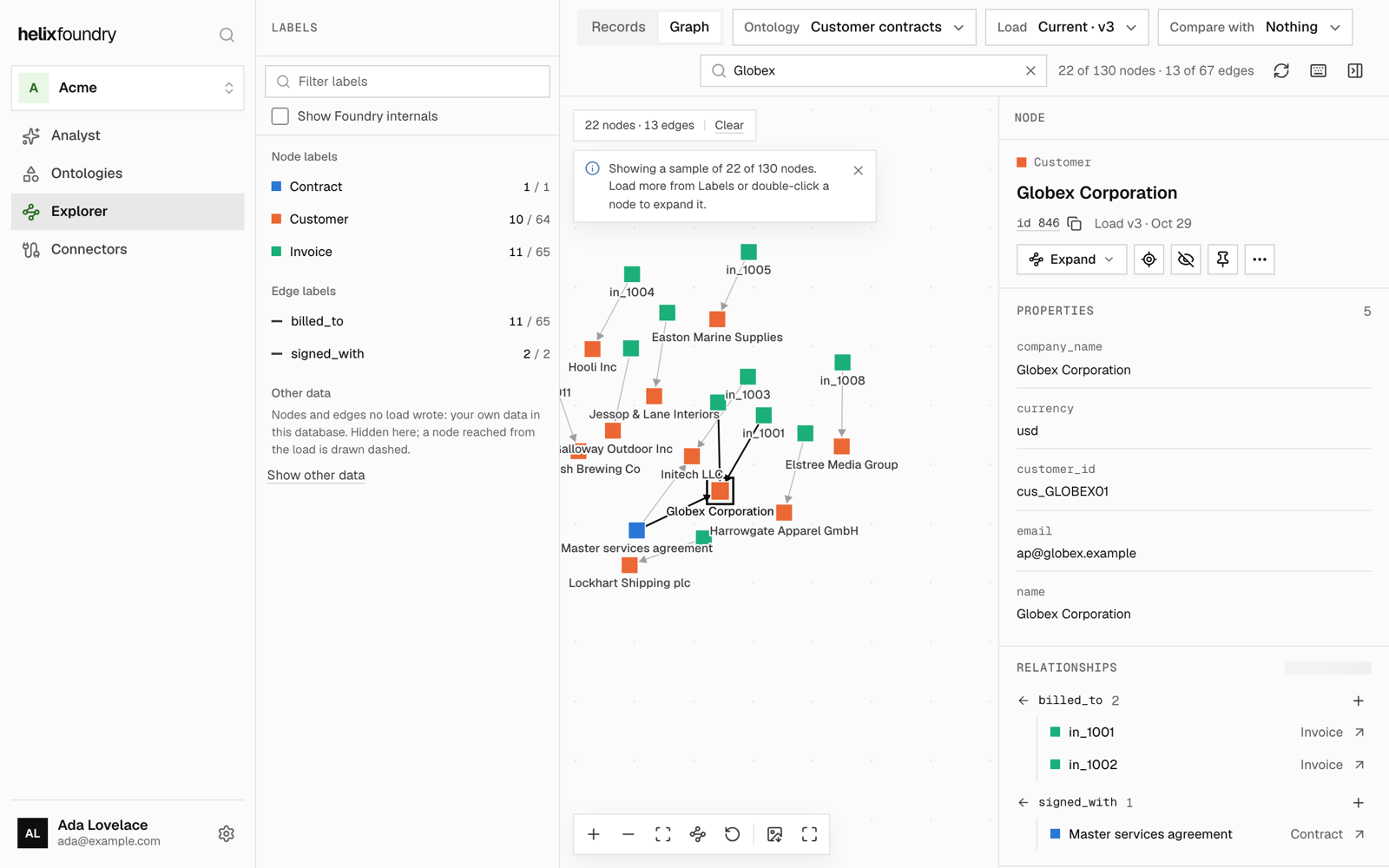
- Explore the graph and its records, or ask the Analyst.