README.md1 min read

CC Workflow Studio






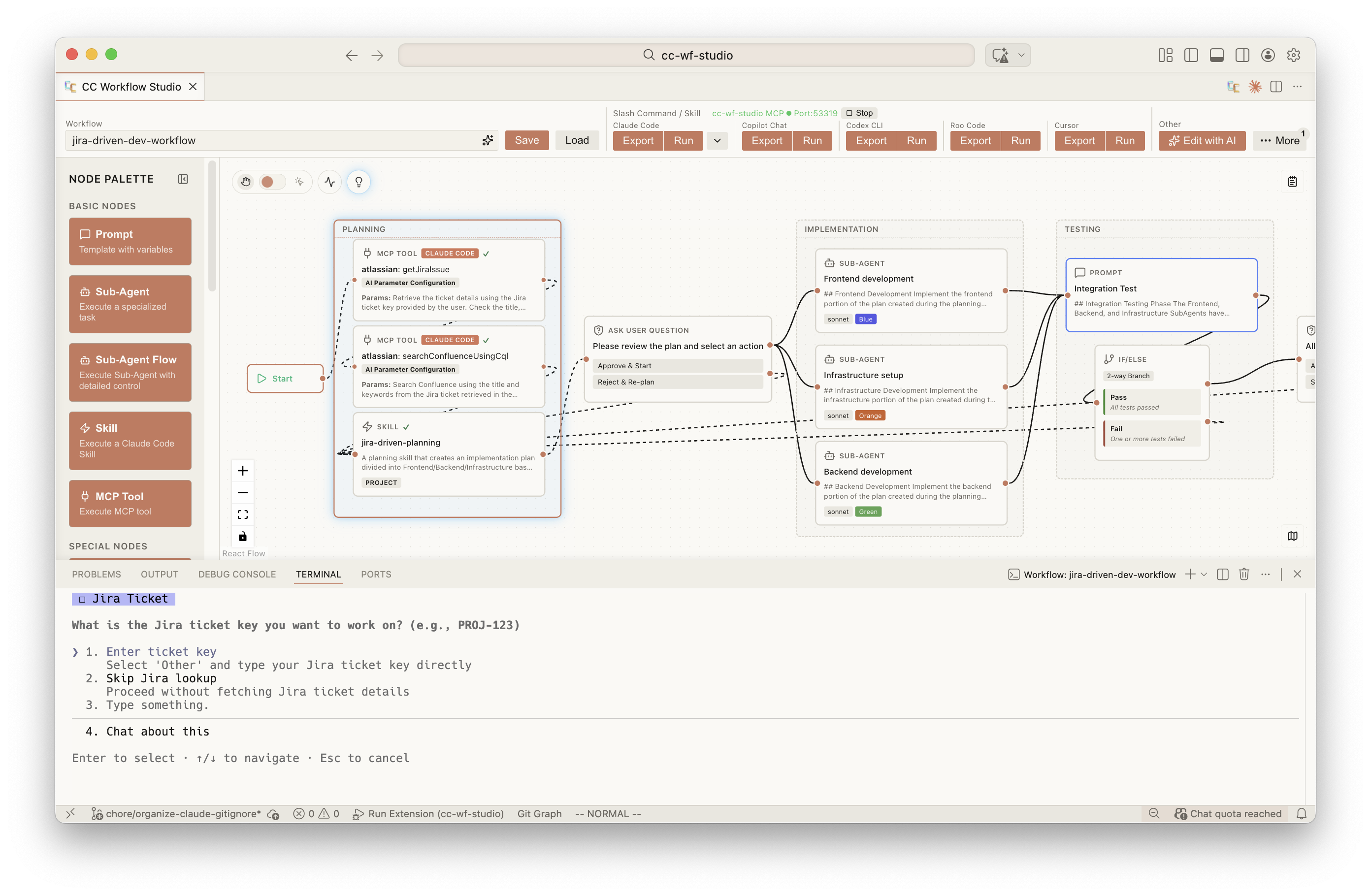
You think visually. AI thinks in .md. CC Workflow Studio speaks both.
Design workflows on a canvas. Export as Markdown your AI agent already understands. No more prompt-guessing.
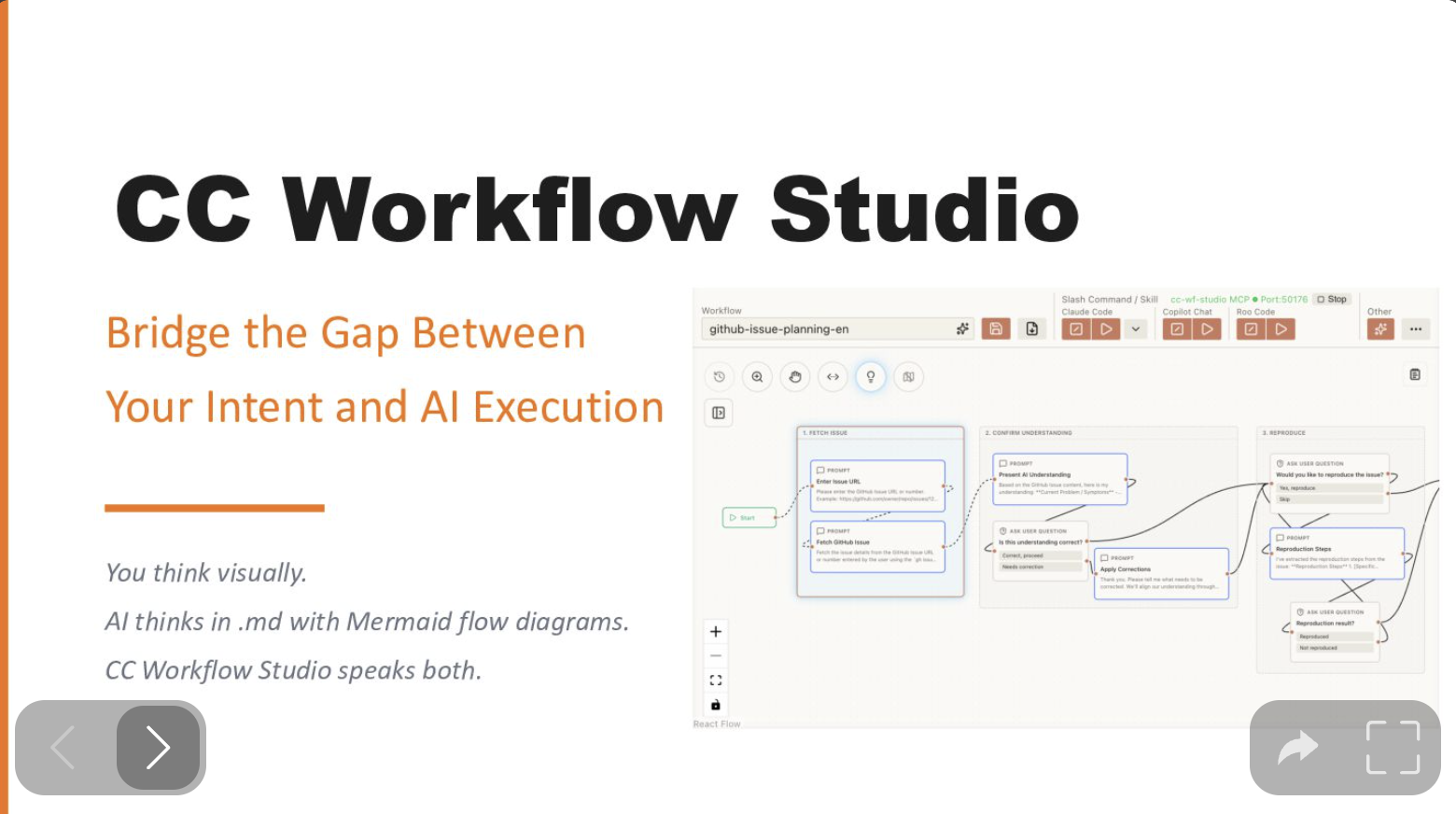
Why CC Workflow Studio? - Speaker Deck Link
Supported Agents
| Agent | Export Format | Requires |
|---|---|---|
| Claude Code | .claude/agents/ .claude/commands/ |
Claude Code |
| GitHub Copilot Chat | .github/prompts/ |
Copilot Chat |
| GitHub Copilot CLI | .github/skills/ |
Copilot CLI |
| OpenAI Codex CLI | .codex/skills/ |
Codex CLI |
| Zoo Code (formerly Roo Code) | .roo/skills/ |
Zoo Code |
| Gemini CLI | .gemini/skills/ |
Gemini CLI |
| Antigravity | .agent/skills/ |
Antigravity |
| Cursor | .cursor/agents/ .cursor/skills/ |
Cursor |
Note: Agents other than Claude Code require activation from Toolbar's More menu.
Use it without VSCode, too
The VSCode extension is the most ergonomic editor, but it isn't the only entry point. The same workflow.json drives a CLI and an MCP server — pick whichever interface fits the situation.
flowchart LR
    Wf(["workflow.json"])

    subgraph IDE["🪟 VSCode Extension"]
        Canvas["React Flow canvas<br/>+ editor + Slack share"]
    end

    subgraph Mcp["🔌 MCP Server"]
        AIClient["Claude Code,<br/>MCP Inspector, ..."]
        McpServer["@cc-wf-studio/mcp<br/>(stdio: <code>ccwf-mcp</code>)"]
        AIClient --> McpServer
    end

    subgraph Cli["💻 CLI"]
        CliBin["@cc-wf-studio/cli<br/>(<code>ccwf render | validate | export | run | preview | canvas | mcp</code>)"]
    end

    Wf <-->|edit| Canvas
    Wf <-->|read / write| McpServer
    Wf <-->|read / write| CliBin

    Canvas -.->|writes skills + agents| Output["Agent skills on disk<br/>(.claude/, .codex/, .cursor/, ...)"]
    McpServer -.-> Output
    CliBin -.-> Output
| Interface | Try it | Best for | Docs |
|---|---|---|---|
| VSCode extension | `code --install-extension breaking |