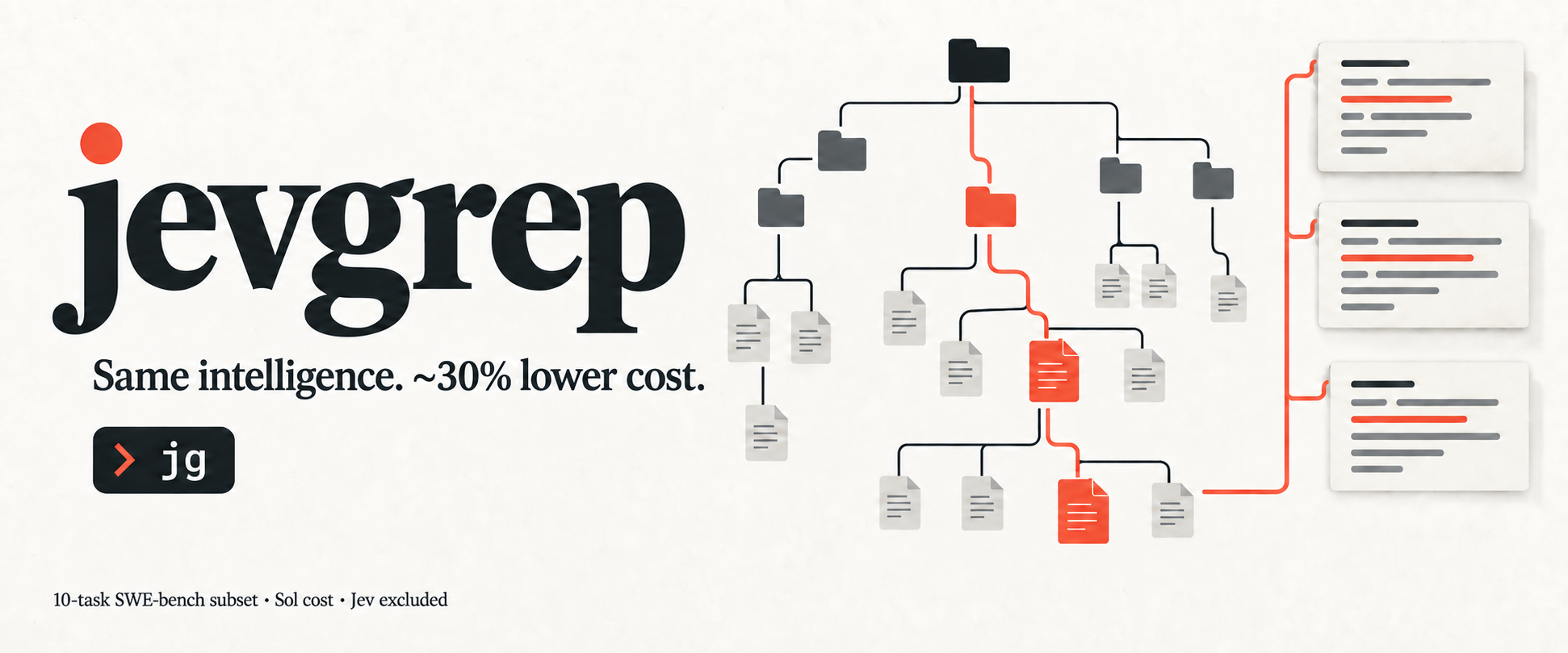
jevgrep



Same intelligence. ~30% lower cost.
Find code by asking what it does. In our ten-task SWE-bench comparison, Jevgrep successfully completed the same 8 of 10 tasks as the baseline, at lower cost.
Coding agents spend part of every unfamiliar task finding the right files.
Jevgrep gives them a place to start: ask a repository question, and jg returns
relevant files, reading leads, and verbatim source excerpts in one stdout response.
It uses Jev to judge relevance across
folders, files, and declarations. Your coding agent then implements and tests the change.
npm install -g @dzhng/jevgrep
jg auth
jg skill
jg "How are telemetry events recorded and sent?" ./my-project
Requires Node.js 22+, macOS, Linux, or Windows, and a key for Vercel AI Gateway, TypeSafe, OpenRouter, OpenCode Zen, or a custom TypeSafe-compatible endpoint.
No separate Python, Bun, or ripgrep installation is required to use jg.
Provider selection requires 0.3.0 or newer. Upgrade an older installation with
npm install --global @dzhng/jevgrep@latest.
Install the agent skill — required for agent setup
Installing the CLI alone does not teach your coding agent to use it. Install the skill as well, from the project where your agent works:
jg skill
The installer detects your coding agents (Claude Code, Codex, OpenCode and
others) and asks where to install. Add --global for a user-wide install, or
--yes for unattended installation. The
skill explains installation, invocation and the meaning of returned context.
It leaves research and implementation decisions to the calling agent. The current repository skill
checks for jg and installs the CLI if it is missing; authentication still needs
your selected provider’s key. The skill installer itself does not configure credentials.
jg skill delegates to the skills CLI
and needs npm/npx plus network access. You can also run that installer directly,
without the CLI installed:
npx skills add dzhng/jevgrep --skill jevgrep
In 0.1.0, jg skill only prints the bundled skill; use npx skills with that version.
Upgrade
There is currently no jg upgrade command. Upgrade the CLI with npm:
npm install -g @dzhng/jevgrep@latest
jg --version
Update the installed skill separately by rerunning jg skill. Updating the npm package does not
overwrite skill files in your projects. See the package guide
for authentication details.
Start with a question, leave with source
Use jg when you know the behavior you need to understand but not where it lives:
jg "Where is authentication checked before a request reaches a handler?" .
jg "How are database connections created, pooled, and closed?" ./src
jg "Which tests cover retry behavior when a request times out?" .
Jevgrep explores the repository hierarchy and follows qualifying branches. It selects files using content previews, then identifies useful source units and surrounding context. It keeps qualifying file locations even when it cannot confidently return an excerpt; it does not force every search into a fixed top-two list.
The summary and compact file list come first, followed by selected source with line references, then detailed declaration and call locations.