
Claude Code Karma
Your Claude Code sessions deserve more than a terminal.
A local-first, open-source dashboard that turns your ~/.claude/ data into a visual story — sessions, timelines, costs, and live activity, all on your machine.



Why Claude Code Karma?
If you use Claude Code, you already have a goldmine of data sitting in ~/.claude/ — every session, every tool call, every token. But it's all buried in JSONL files you'll never read.
Warning: Claude Code only keeps session data for about 30 days. Older JSONL files in
~/.claude/projects/are automatically cleaned up. Since Karma reads directly from those files, deleted sessions will disappear from the dashboard too.
Claude Code Karma reads that local data and gives you a proper dashboard. No cloud. No accounts. No telemetry. Just your data, on your machine.
It works with both Claude Code CLI and Claude Desktop (Claude Code mode) sessions — any session that writes to ~/.claude/ shows up automatically.
Features
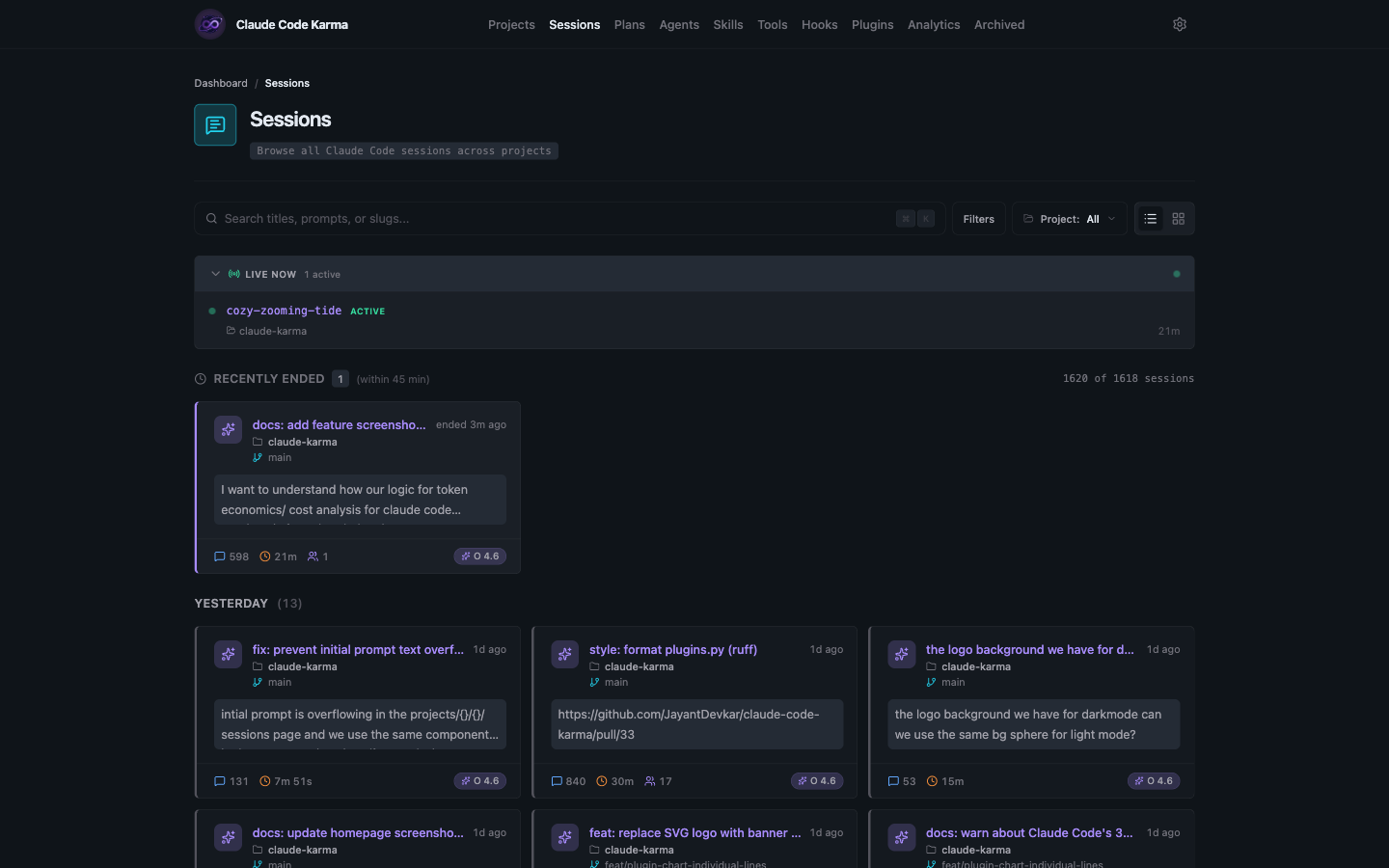
Session Browser
Browse all your Claude Code sessions in one place. Search by title, prompt, or slug. Filter by project. See live sessions at the top with real-time status badges.
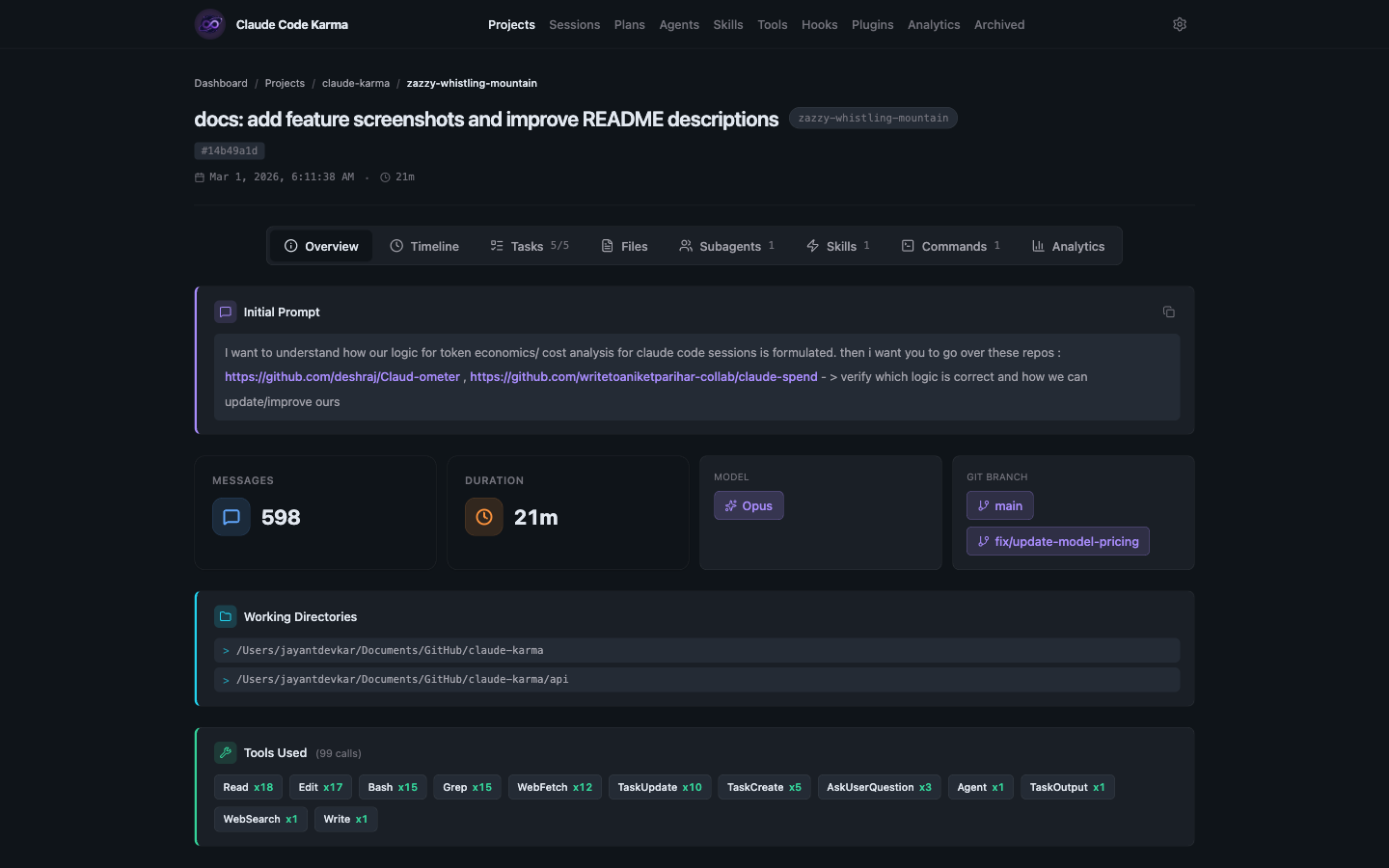
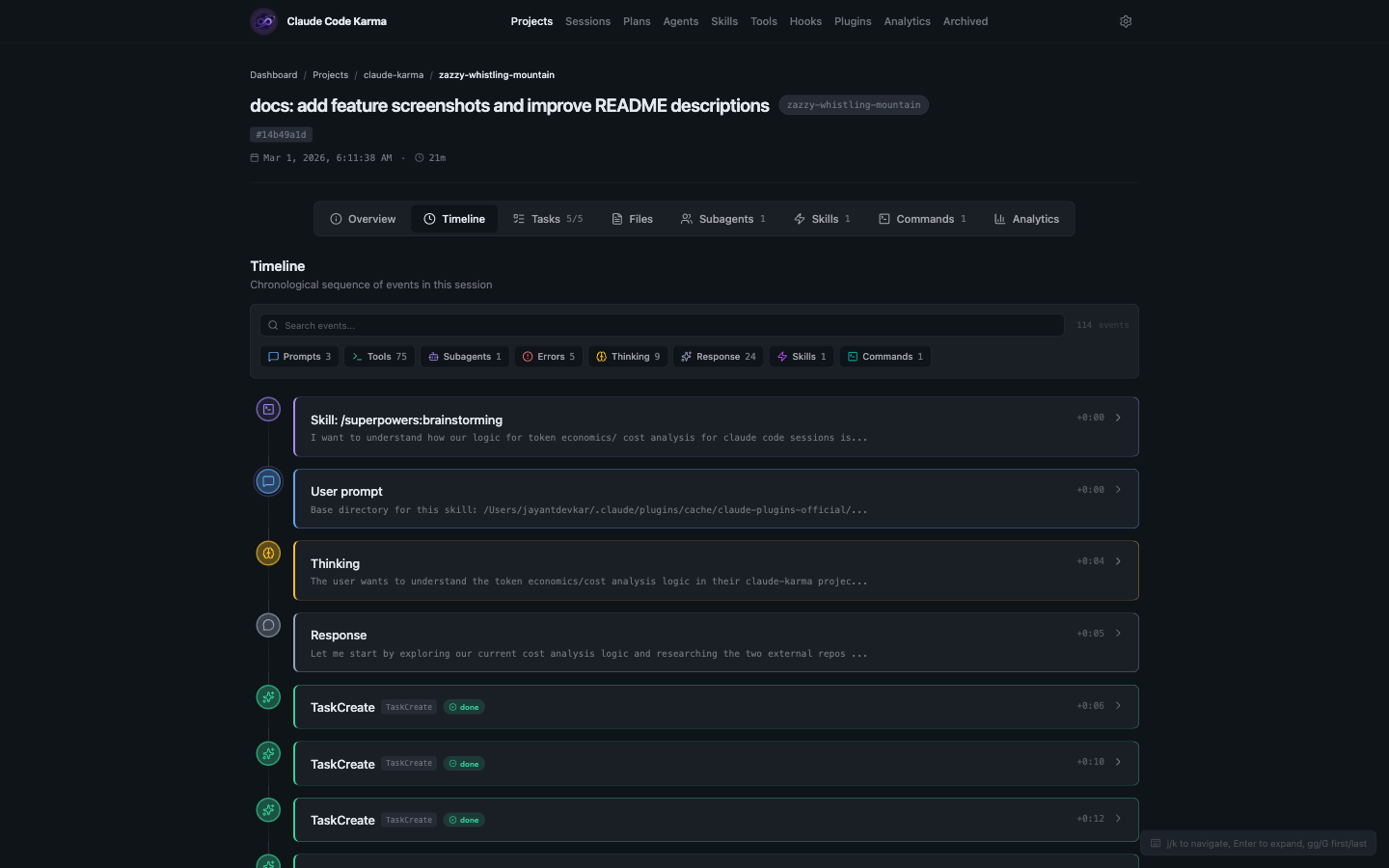
Session Timeline & Overview
Dive into any session to see exactly what happened — every prompt, tool call, thinking block, and response laid out chronologically. The overview tab shows key stats like message count, duration, model used, and which tools were called.
Session Detail Tabs
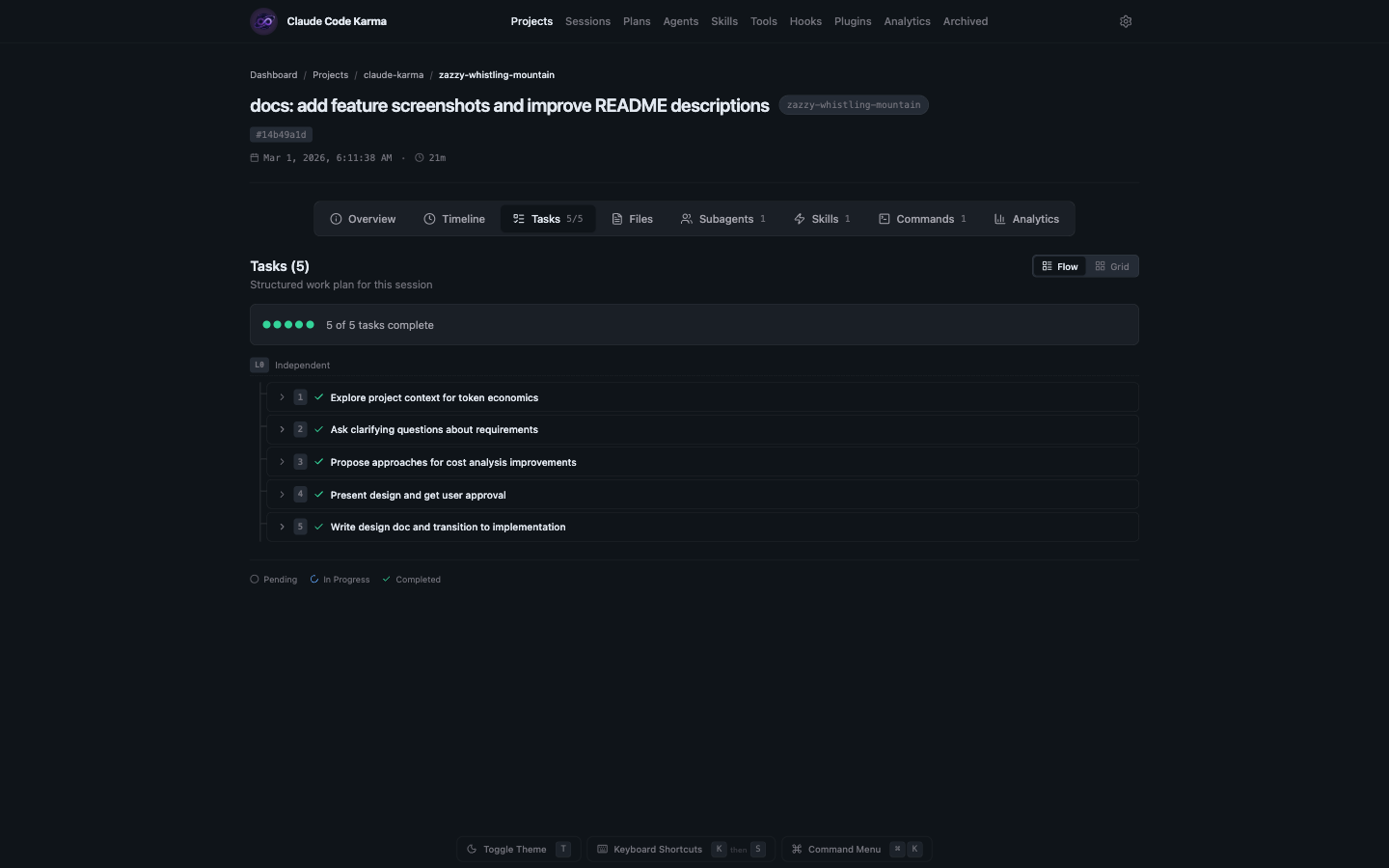
Each session page has dedicated tabs that break down different aspects of what happened during the session.
Tasks — See all tasks Claude created and completed during the session, displayed in a flow view with status tracking.
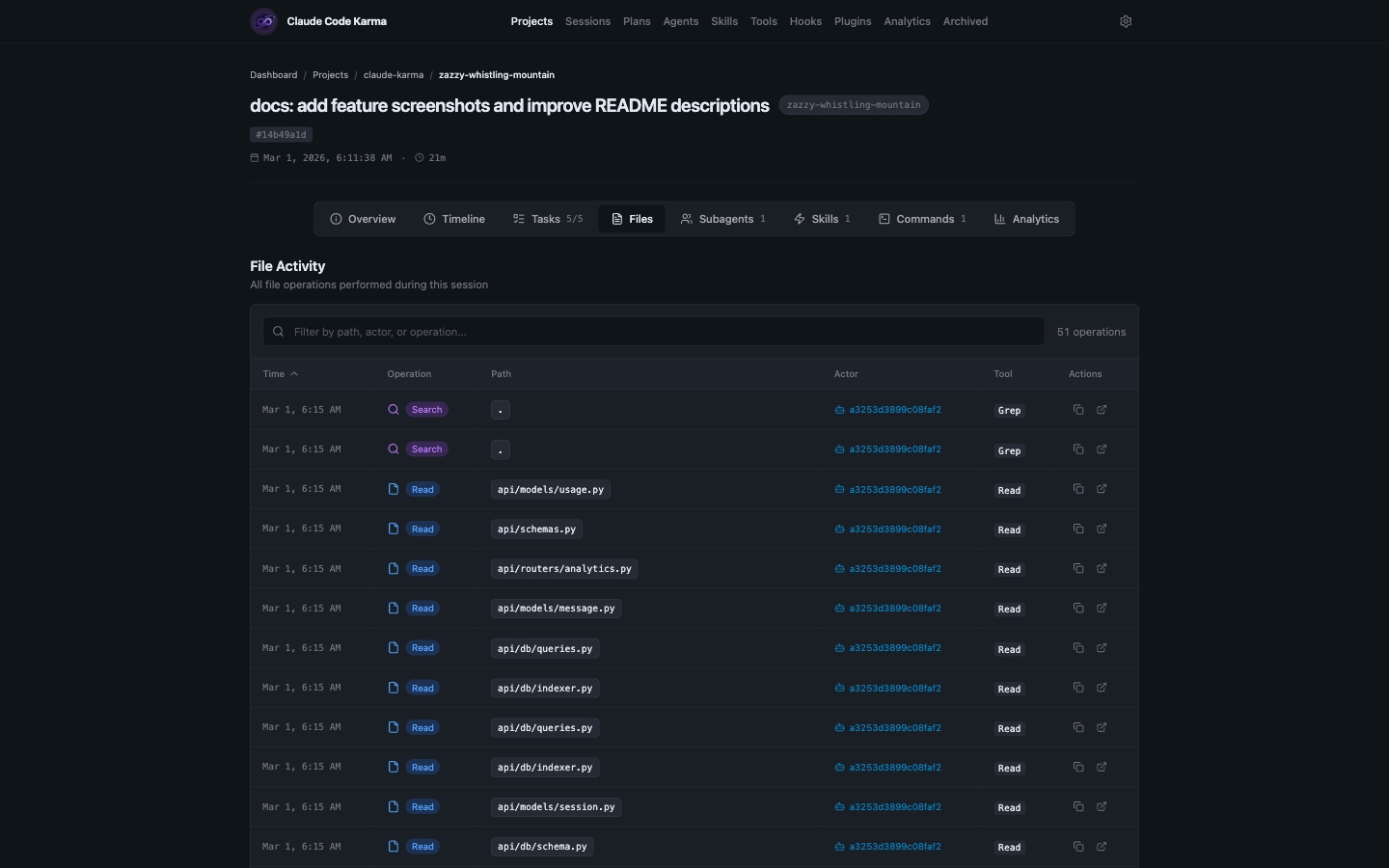
Files — Every file operation in a sortable table — reads, writes, edits — with timestamps, actors, and the tools that made each change.
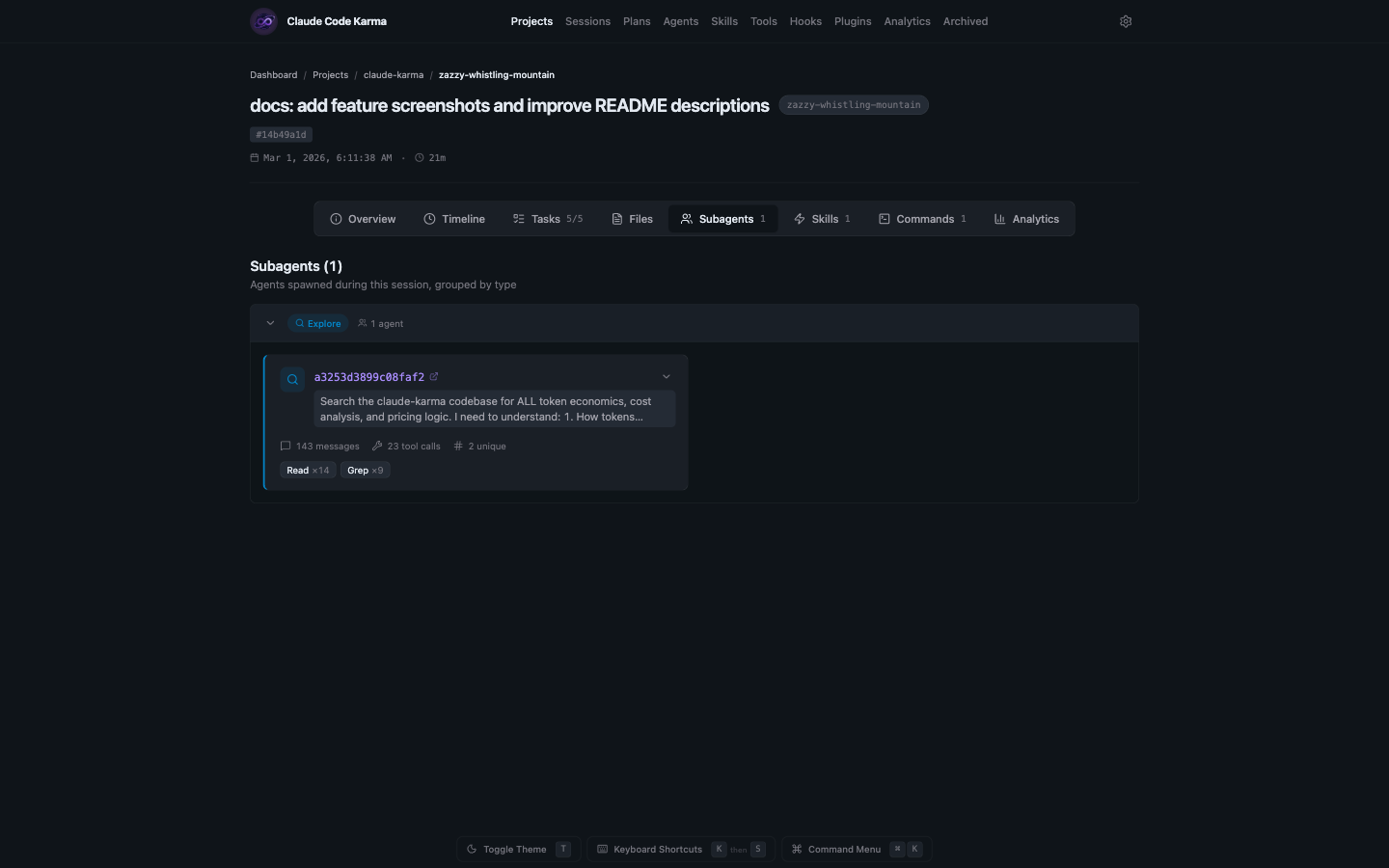
Subagents — Agents spawned during the session, grouped by type. Expand each to see message counts, tool calls, and what they were asked to do.
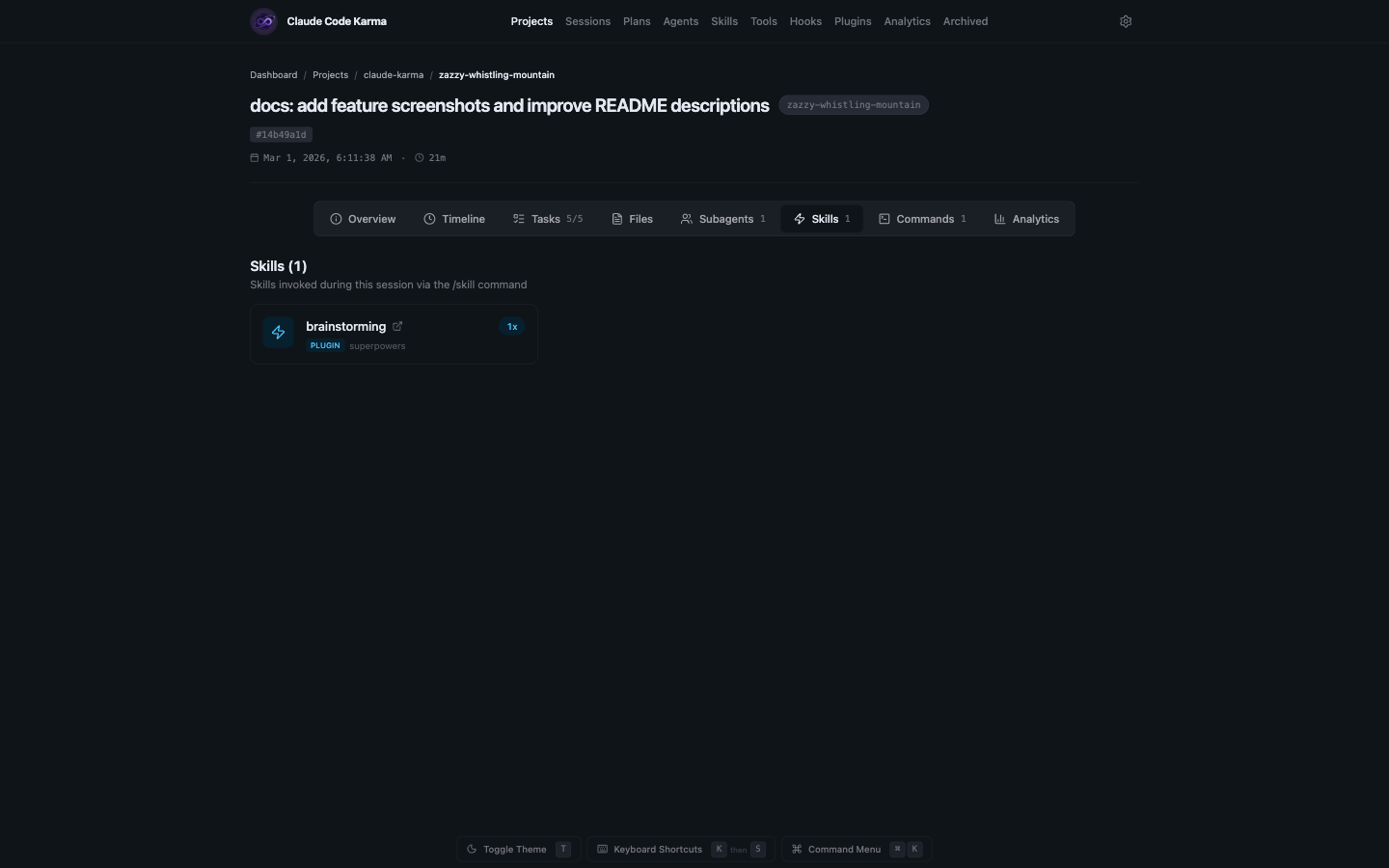
Skills — Skills invoked via /skill commands during the session, with their source plugin and invocation count.
Commands — Slash commands used during the session, showing built-in and plugin commands with usage counts.