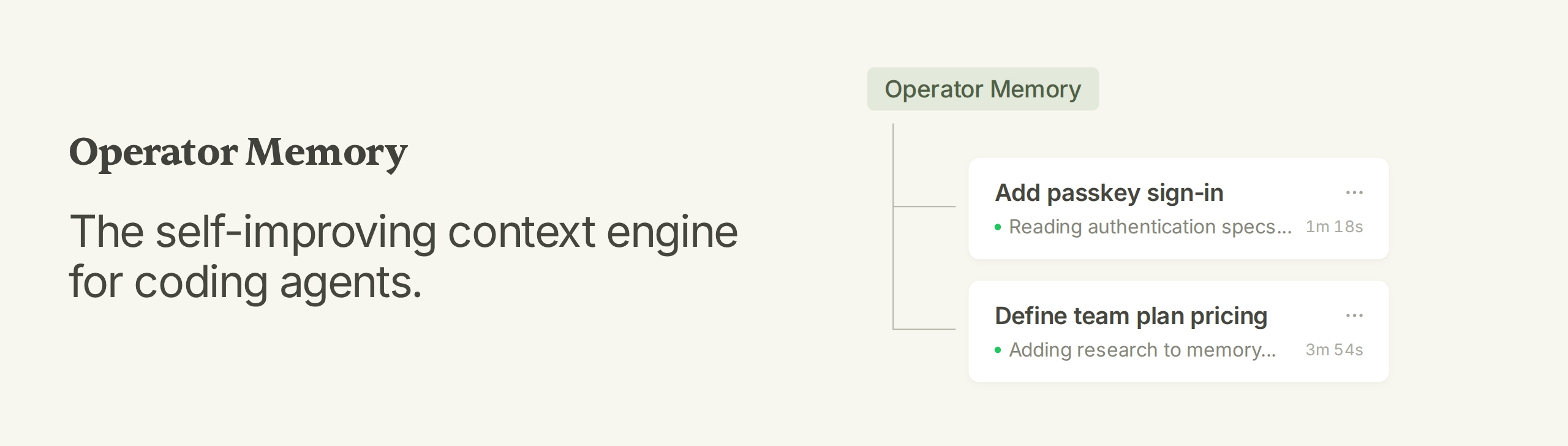
Operator Memory: The self-improving context engine for coding agents.
Operator Memory gives your agent a brain for documenting all their work. As the agent works, it automatically documents within this brain — specs, decisions, standards, research, lessons. Every new session starts knowing everything the last one learned.
Features
- Complete Context Engine — Documentation, memory, indexes, and skills within a single integrated system.
- Automatic Documentation — Specs, decisions, research, and more are automatically documented by the agent.
- Transparent Memory — Memory is stored as Markdown documents you can read, update, and delete.
- Sharable Knowledge — Track documents with Git and share knowledge with your team.
- Zero Infrastructure — No background agents, no embeddings, no vector database, no model configuration.
Installation
Operator is managed via the Operator Helper, which also provides setup and agent instructions. Install the Helper with npm:
npm install --global @aerovato/operator-helper
Or Bun:
bun add --global --minimum-release-age 0 @aerovato/operator-helper@latest
Then install the Operator adapter for your harness. Click each link for harness-specific information.
| Harness | Status | Install |
|---|---|---|
| Claude Code (CLI + Desktop) | 🟢 Fully Supported | operator-helper install claude-code |
| Codex (CLI + Desktop) | 🟢 Fully Supported | operator-helper install codex |
| OpenCode | 🟢 Fully Supported (V2) | operator-helper install opencode |
| OpenCode V1 (legacy) | 🟡 Supported, Legacy | operator-helper install opencode-v1 |
| Pi | 🟢 Fully Supported | operator-helper install pi |
| DeepSeek Harness | 🟢 Fully Supported | operator-helper install deepseek |
| Kiro | 🟡 Supported | operator-helper install kiro |
Setup is a conversation with your agent. Run each command in a new conversation.
- First time only:
/operator:user-init— set up your global user partition. - In each new project:
/operator:project-init— scaffold Operator, migrate existing documents, and index the repo. - Start a new conversation and do normal work.
When starting cold on an existing project, expect a sparse brain at first; ask the agent to write the first specifications for the modules you work on. Once those documents exist, later sessions maintain them as part of ordinary work.
New to Operator? Read the Getting Started guide.
How Operator Works
Agents excel in a single session but forget everything the moment it ends. Future sessions waste tokens re-gathering an incomplete context: re-exploring the codebase, re-learning the architecture, re-teaching decisions and corrections.
Operator gives the agent a durable workspace of Markdown, kept in three places:
.operator/— private project knowledge, stays on your machine.operator-shared/— project knowledge published with the repository~/.operator/user/— your personal rules and knowledge, used across projects
Every session runs the same loop:
- Consult — the agent starts from your Brain: instructions, codebase index, specs, guides.
- Build — the agent does normal development work, informed by that knowledge.
- Update — the agent records what changed: new specs, decisions, standards, lessons.
When project truth changes, the agent updates the canonical file instead of adding a RAG database record. For more details, see [Architecture](docs/architect