IWE - Memory system for you and your AI agents
Turn your thinking into queryable context








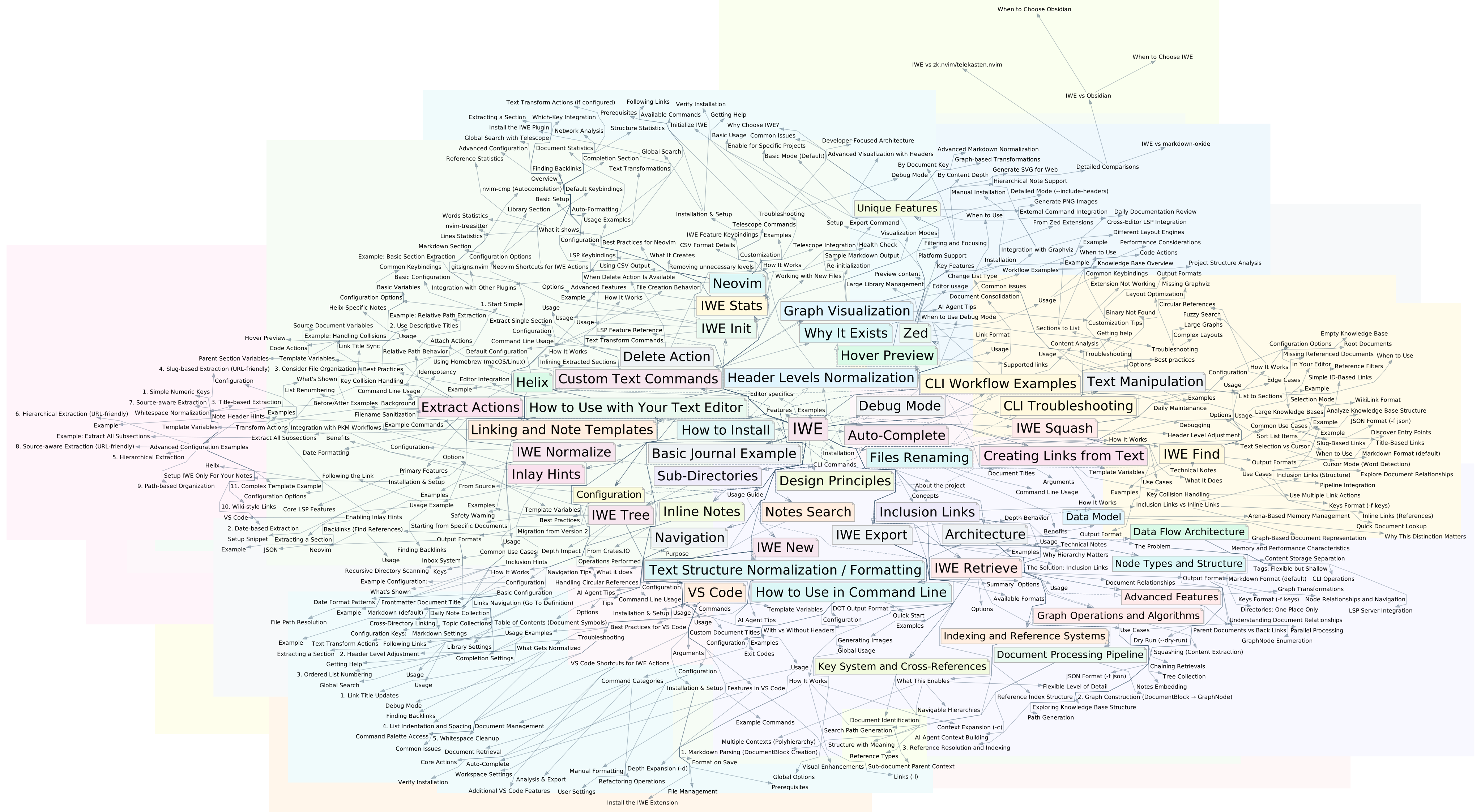
IWE turns a directory of markdown files into a knowledge graph — a connected structure you browse from your editor and your AI queries from the command line. Same files, same links, two interfaces. No cloud, no database, no lock-in. Version everything with git.
IWE is for people who want database-style queries on their notes — "all drafts under this subtree", "every accepted decision in Q1" — without moving them into an actual database. Write in Markdown, structure with links, give AI agents the tools to navigate your knowledge. IWE itself has no built-in AI — it works alongside Claude, Codex, Gemini, and any tool that speaks the Model Context Protocol.
What You Get
- Plain markdown, full ownership. Your notes are
.mdfiles in a local directory. Read them, edit them,git pushthem. Nothing proprietary. - A graph, not a folder tree. Link notes together and the same note can belong to multiple topics without copying the file. (How linking works)
- IDE features for your editor. Real LSP integration with VS Code, Neovim, Zed, and Helix — search, refactor, rename, autocomplete.
- Structured access for AI agents. CLI tools and an MCP server give agents parent context and structural navigation over the same notes you edit by hand — retrieval by structure, not similarity guessing.
- Memory for your coding agent. IWE Skills a set of extensions for Claude Code and other AI agents
- A native Mac app. iWe for Mac opens the same folder as a keyboard-driven app with Claude Code built in — early version, DMG on the releases page.
- Speaks OKF. An Open Knowledge Format bundle is markdown with YAML frontmatter — the format IWE already manages.
iwe init --okfscaffolds a conformant bundle,iwe schema validatechecks conformance mechanically, andiwe find --filter '{type: …}'queries OKF frontmatter directly. - Fast. Built in Rust, processes 20,000 files in under a second.
How It Works
IWE treats your notes as a connected structure. You organize them with two types of links:
- Nesting — a link on its own line means "this topic includes that subtopic." Your notes form a tree you can browse and refactor. IWE calls these inclusion links.
- Cross-references — regular inline links connect notes across topics, creating a web of relationships.
- Multiple parents — the same note can live under several places at once. A "Meditation" note can belong to both "Health" and "Productivity" without dup