NVIDIA Personal AI Router (PAIR)


NVIDIA Personal AI Router (PAIR) is a local inference router for a group of compatible computers on the same network. It discovers participating nodes, manages supported inference engines, and presents local proxy endpoints for Ollama-compatible, OpenAI-compatible, and Anthropic Messages API requests. Independent requests can be routed to eligible nodes according to engine availability, model availability, and current workload.
PAIR is useful for concurrent local workloads such as multi-agent applications. Prompts and responses are intended to remain on the local network when every configured client, model source, engine, and node is local.
PAIR routes each independent request to one node. It does not pool GPU memory, combine GPUs into a larger logical GPU, shard one model across machines, or split an in-flight inference request between nodes.
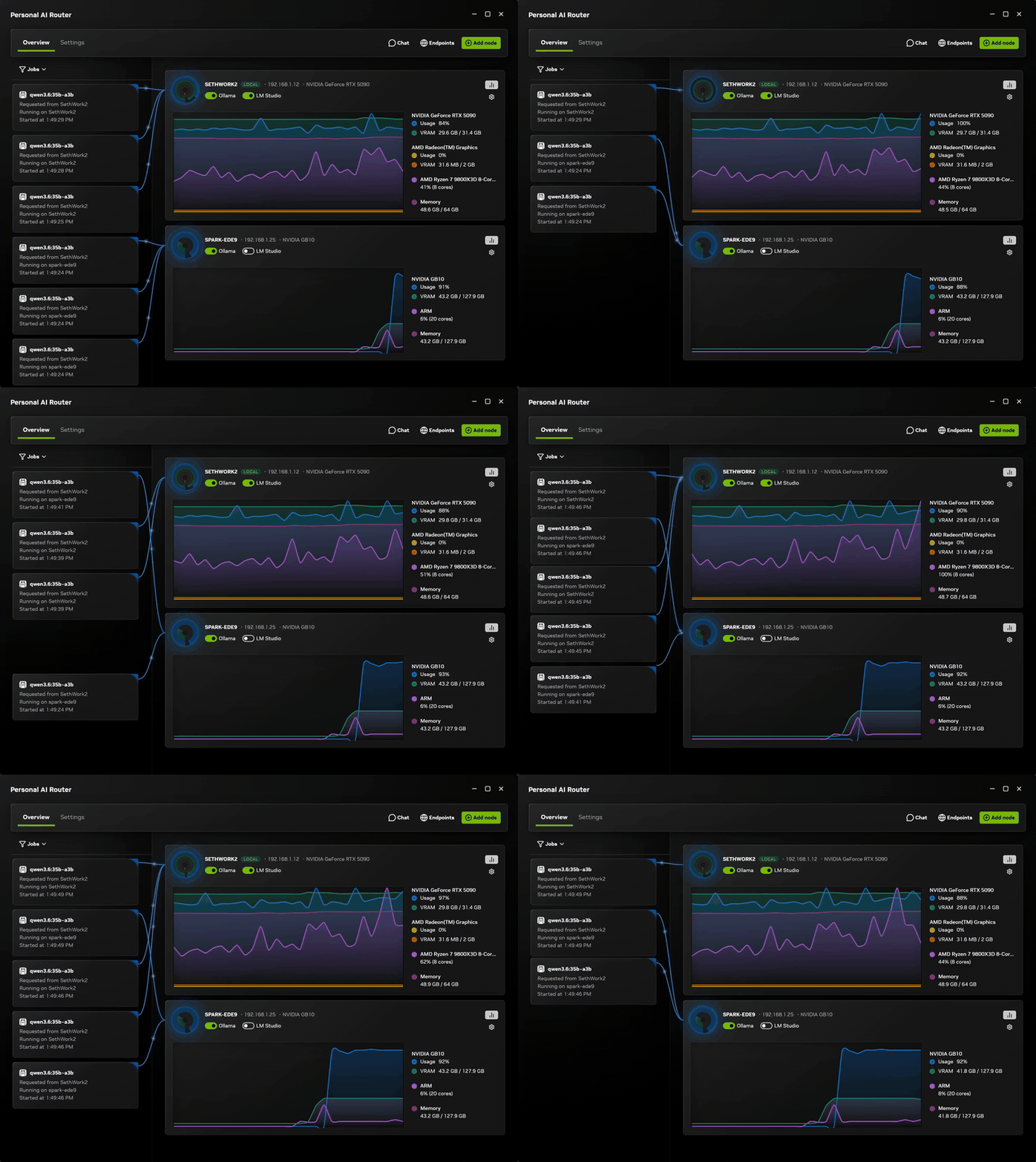
Two paired machines: requests arrive on one, run on whichever node suits each one, and both report live GPU and memory use throughout. Watch the full clip.
What is supported
| Operating systems | Windows 11; Linux; macOS |
| Architectures | x64 and arm64 on all three. Windows on ARM is experimental. |
| Installers | Windows .exe; Linux .deb; macOS .dmg. On other Linux distributions, build from source. |
| Mixing nodes | Windows, Linux, and macOS nodes can all be paired with each other |
| Inference engines | Ollama and LM Studio |
PAIR running on a machine does not mean an engine will. PAIR itself runs on any supported Windows, Linux, or macOS machine. Each engine sets its own requirements for the operating system, GPU, and drivers, and each model needs enough memory to load. Whether a particular engine and model work on a particular machine is between that engine and that machine, so check the engine's own documentation before assuming a node can serve a model. A node only becomes a candidate for a request once it is actually running a compatible engine, and PAIR prefers the nodes it already knows hold the model.
Quick start
Download a released build and use the desktop application. That is the path we recommend and the one the rest of this guide assumes. Building from source and the terminal interface both exist for good reasons — changing PAIR, and machines with no desktop — but neither is the ordinary way in. Those are covered in Building and running PAIR from source and Terminal interface.
Download a release
A released installer is signed, sets up the background services and the desktop application together, and adds the firewall rules PAIR needs on Windows. It also tells you when a newer release exists and installs it on your say-so from Settings → Service. A build you make yourself is unsigned and checks no update feed, so you would upgrade it by pulling and rebuilding.
Download PAIR from the GitHub releases page. Release downloads include:
- a Windows installer;
- a Debian package for Linux; and
- a macOS disk image.
On Windows and macOS, double-click the download and follow the installer's usual prompts — on macOS that means dragging NVIDIA Personal AI Router to your Applications folder.
On Linux, install the package from the directory you downloaded it into:
sudo apt install ./NVPAIR-Setup-*.deb
If you ha