OpenRig




A harness wraps a model. A rig wraps your harnesses. Define your agent team in YAML, boot it with one command. Claude Code and Codex in the same rig, managed as one system.
OpenRig is open-source software for building and running your own network of agents. It turns AI coding agents from a pile of terminal sessions into a persistent, organized team. Talk to a lead agent about the outcome you want; it can coordinate specialists across teams and bring you results and decisions that need your attention. Start with a repository and one useful change, then keep the team's work and context at the same addresses.
It's the open-source system behind my AI civilization experiments.
Guide: Getting started · Stuck? Help · Questions: Q&A · Updates and demos: @_feralmachine on X
See it running
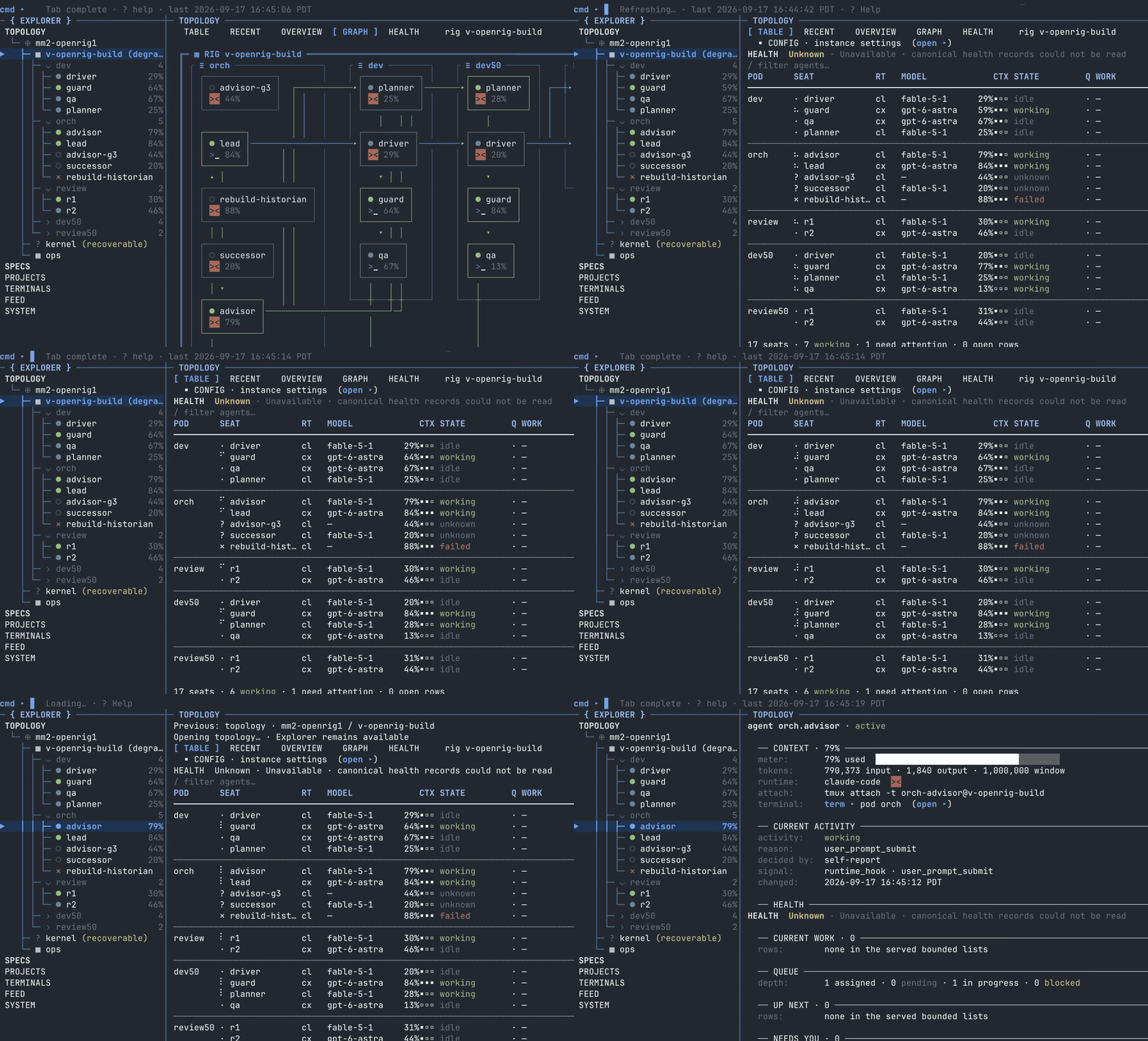
Start here: the guided first-use path: install, talk to the kernel operator, then choose a team for your first useful change.
Not setting this up today? Get the next walkthrough and occasional OpenRig updates → https://openrig.dev/follow
Install and first run
Let your coding agent set it up. First check that node --version shows 22 or 24: the command below needs
Node.js and the npx that comes with it. Then, in your project folder, add OpenRig's rigs skill to the agent you
use:
# Claude Code
npx skills add https://github.com/mvschwarz/openrig/tree/v0.7.5/skills/rigs --skill rigs --agent claude-code
# Codex
npx skills add https://github.com/mvschwarz/openrig/tree/v0.7.5/skills/rigs --skill rigs --agent codex
Then type /rigs in Claude Code, or $rigs in Codex, and say what you want built. The skill has your agent tell
you what it will run and change before it does, install OpenRig, open the OpenRig view and pass your goal to
OpenRig's operator.
You need Node.js 22 or 24 (22 on Apple silicon), tmux, macOS or Linux (WSL2 on Windows), and Claude Code or Codex signed in. One provider is enough to start.
Already have OpenRig? Use the tag that matches rig --version, or upgrade first.
Prefer to type the commands yourself? Install it yourself ↓
Requires Node.js 22 or 24 and tmux, on macOS or Linux, and one working Claude Code or Codex account: one is enough, since the kernel operator adapts the shipped starter team to whichever you have. On Linux, the distribution's own Node.js can be older (Ubuntu 24.04's is 18); install a supported version with nvm (nvm install 22) or NodeSource. On a Mac with Apple silicon, use Node.js 22 (compatibility history). On a Mac where you aren't an administrator, or where Homebrew belongs to another account (its brew install is refused), install Node.js in your own home folder with nvm: run touch ~/.zshrc (a new Mac account has none, and nvm's installer only adds itself to a profile file that already exists), then nvm's install command, for nvm v0.40.8 curl -o- https://raw.githubusercontent.com/nvm-sh/nvm/v0.40.8/install.sh | bash (nvm's page